Best Free CRM Software for Small Businesses with 5 Users (2026 Guide)
Five people, one shared inbox, and a spreadsheet named “Leads_FINAL_v3.xlsx.” Sound familiar?
I’ve set up CRMs for more small teams than I can count, and this is always where it starts. Someone emails a lead. Someone else calls them a week later, not knowing they already spoke to Priya. The deal goes cold, and nobody knows why.
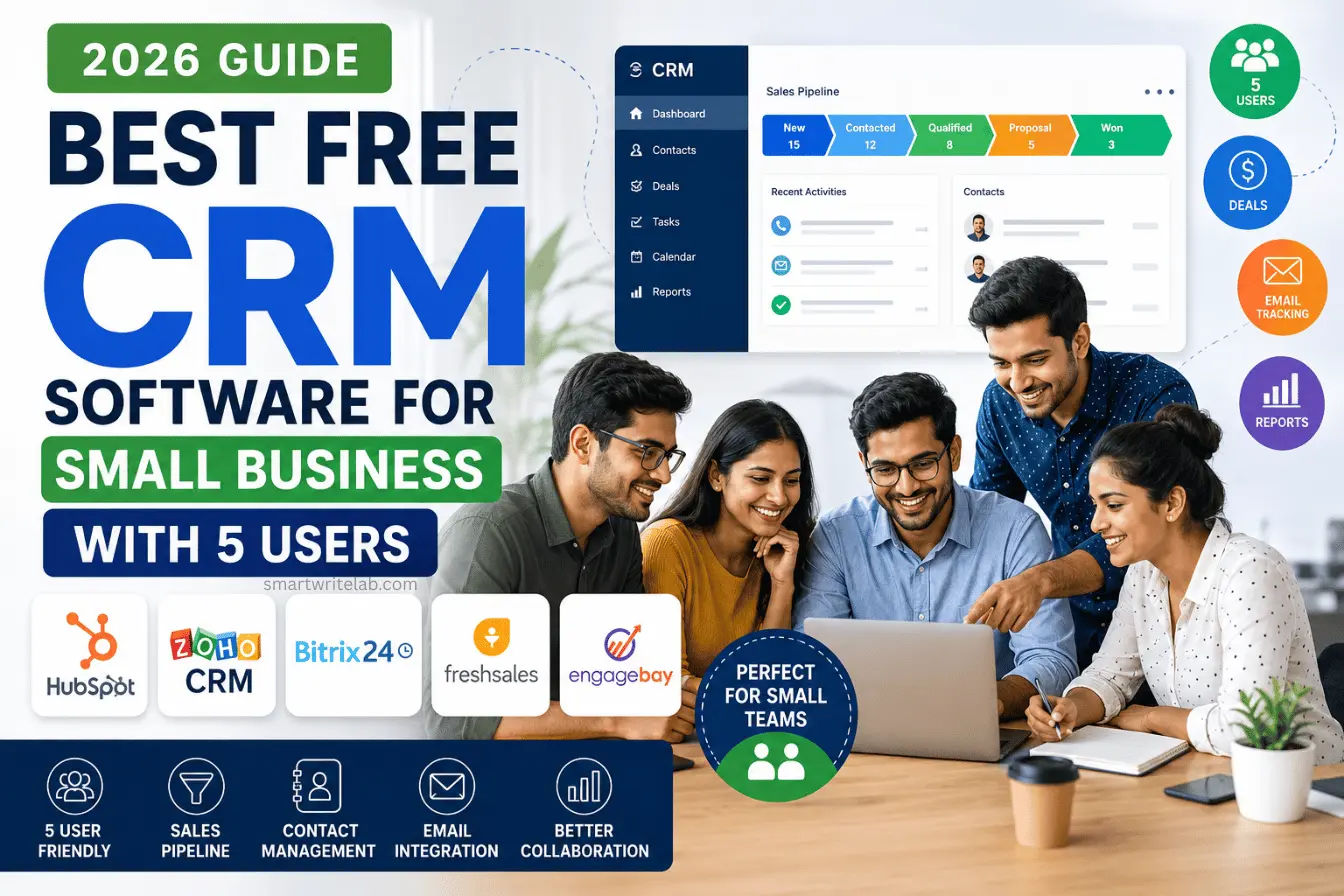
If you’re hunting for the best free crm software for small business with 5 users, you’re probably at exactly this breaking point. Good news: you don’t need a five-figure budget to fix it. Several CRMs offer genuinely usable free plans in 2026 – you just need to know which ones actually support a 5-person team without a paywall showing up on day one.
I tested the top contenders with a 5-user setup in mind. Here’s what actually works, what doesn’t, and which one I’d pick for different situations.
Why Your 5-Person Team Needs to Ditch Spreadsheets Today
I get it. Spreadsheets feel free and familiar. But once you have 5 people touching the same leads, that spreadsheet turns into a liability fast.
Here’s what actually happens on a 5-person sales team running on Excel or Google Sheets:
- Overlapping calls. Two reps call the same prospect in the same week because nobody updated the “last contacted” column in time.
- Lost follow-ups. A lead goes cold because the person who owned it went on leave, and nobody else knew it existed.
- No centralized database. Everyone keeps their own version of “the list” in their inbox, their notes app, or their head.
- Zero visibility for the owner. You can’t tell who’s actually working their pipeline and who’s quietly falling behind.
A sales pipeline tool fixes this by giving every deal one home, one owner, and one visible status. A shared contact management system means nobody’s “personal” spreadsheet is the single point of failure for your revenue.
Read More: How to Use ChatGPT Deep Research (Tested in 2026)
Top 5 Free CRM Software for Small Businesses (In-Depth Review)
I looked at each of these specifically through the lens of a 5-person team. A CRM that’s “free” but only supports 2 or 3 users isn’t actually free for you – it’s a teaser that forces an upgrade the moment your whole team logs in.
1. HubSpot CRM (Best Overall for Easy Adoption)
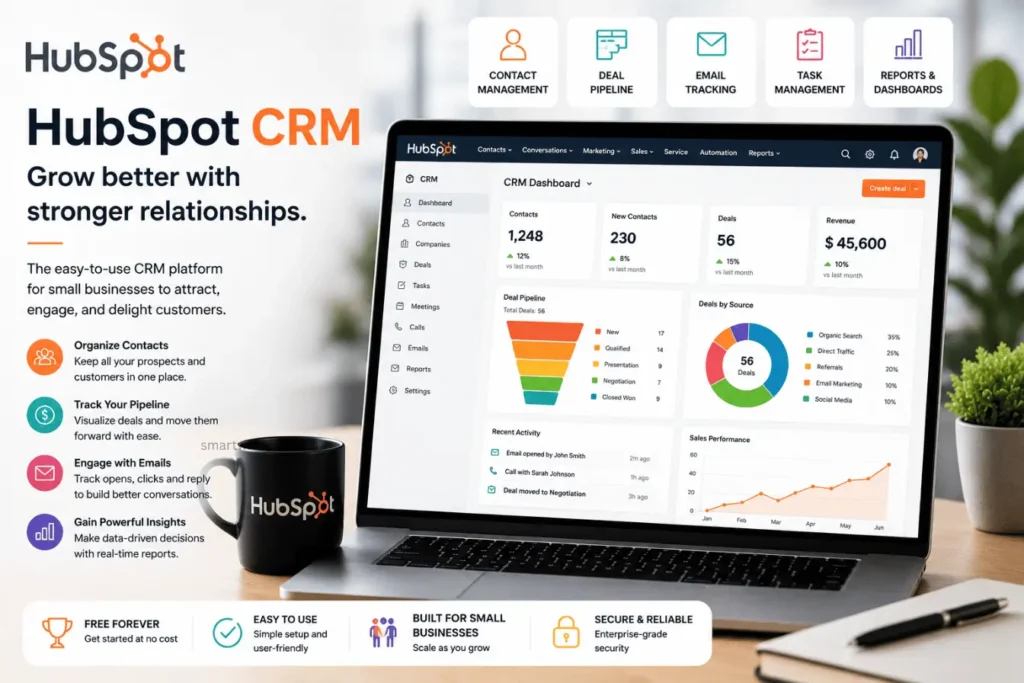
HubSpot’s interface is my favorite starting point for a business that wants a polished CRM with a gentle learning curve. The interface is easy to understand, contact records are well organized, and the basic sales workflow feels natural for teams moving away from spreadsheets.
What’s on the free plan:
- Unlimited contact and company storage
- Deal tracking with one sales pipeline
- Shared team inbox for email conversations
- Basic email tracking and meeting scheduling
- Mobile app for both iOS and Android
HubSpot’s free tier now caps you at 2 users. For a 5-person team, that means 3 of your people can’t log in without you upgrading to a paid seat. You also only get one pipeline, no workflow automation, and HubSpot branding shows up on your emails and forms. It’s a great CRM to trial with your two most active reps, but it won’t cover your whole team for free.
Best for: Founders, freelancers, and very small sales teams that may grow into paid HubSpot later.
2. Zoho CRM (Best for Scaling Operations)
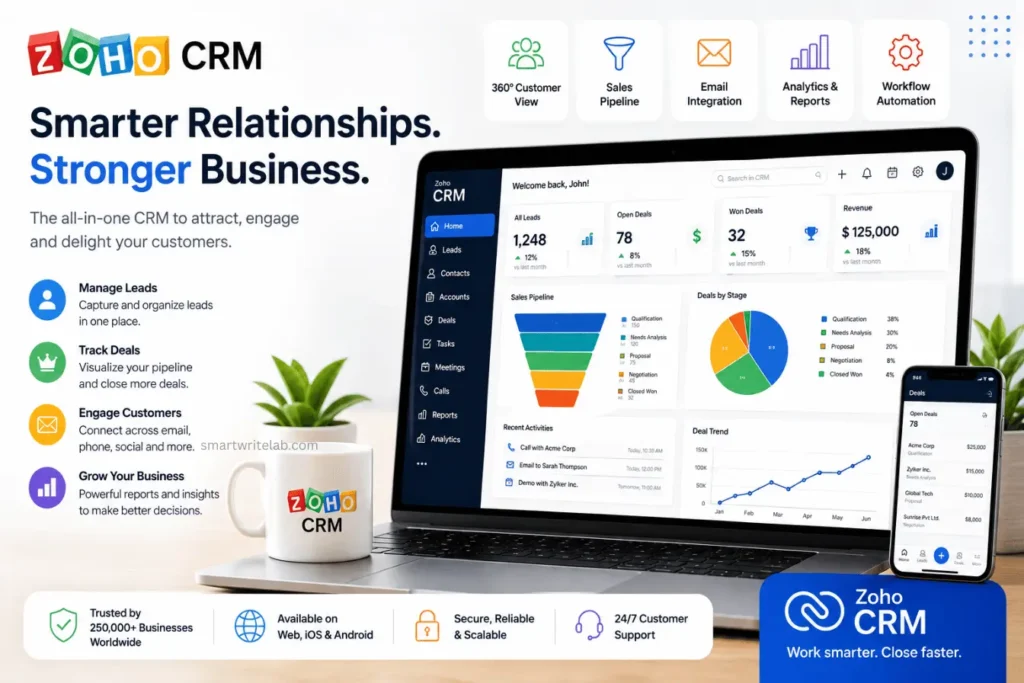
Zoho CRM makes sense when you want more structure around your sales process and expect your CRM requirements to grow. It offers more traditional CRM functionality than many lightweight free tools.
What’s on the free plan:
- Leads, contacts, accounts, and deals modules
- Basic workflow automation (limited)
- 1 GB of shared storage
- Standard reports and dashboards
- Mobile access for the whole free team
Zoho’s free plan tops out at 3 users, so you’re still short two seats for a 5-person team. Storage is also tight at 1 GB shared across everyone, and custom fields and reports are capped. It’s a solid CRM, just not a free one for a full 5-person crew.
Best for: Businesses that expect to expand beyond basic contact management.
3. Bitrix24 (Best for Built-in Team Communication)
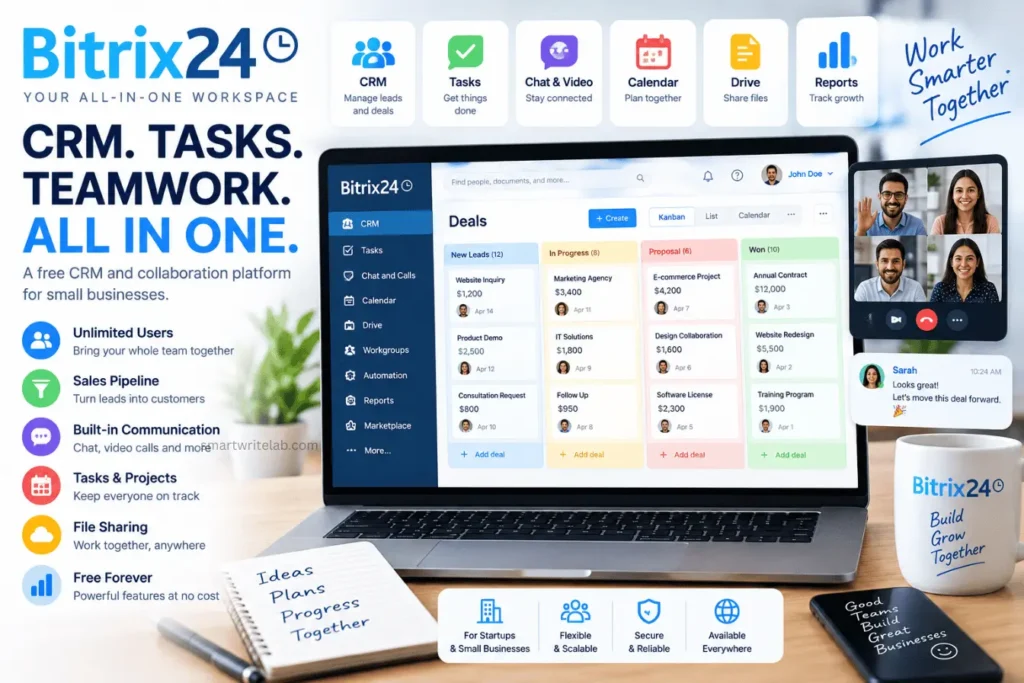
Bitrix24 is the one free plan that actually fits a 5-person team without forcing an upgrade for headcount. It bundles CRM with tasks, team chat, and shared calendars, so your team gets a mini workspace, not just a contact database.
What’s on the free plan:
- CRM access for your whole team, including 5 users and beyond, at no cost
- Contact and deal tracking with a basic pipeline
- Built-in team chat, video calls, and shared calendars
- Task and project management
- 5 GB of storage
The interface is dense, and it takes longer to onboard than HubSpot or Freshsales. Automation is basic on the free tier, native calling is limited, and reporting is fairly bare-bones. If your team can handle a slightly steeper learning curve, this trade-off is worth it for the seat count alone.
Best for: Five-person teams that want CRM + communication + tasks in one place.
Read More: A Friendly Guide to Fixing Your Website’s Speed Issues
4. Freshsales (Best for Clean UI & Activity Tracking)
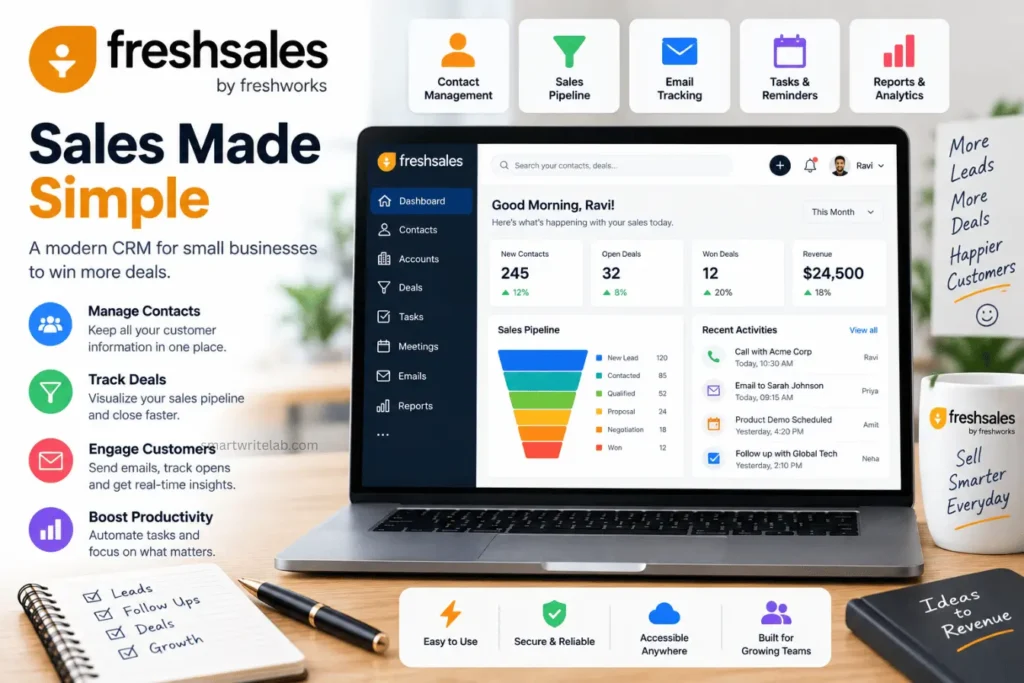
Freshsales has one of the cleanest, fastest interfaces I’ve tested. Activity tracking (calls, emails, meetings) is logged automatically in a way that actually helps a manager see what’s happening without asking.
What’s on the free plan:
- Contact and account management with unlimited contact storage
- One deal pipeline with Kanban view
- Built-in phone, email sync, and live chat
- Basic reporting and dashboards
Like HubSpot and Zoho, Freshsales caps its free plan at 3 users. There’s no workflow automation, no AI lead scoring, and no custom fields on the free tier either. It’s genuinely pleasant to use, but a 5-person team will hit the seat wall fast.
Best for: Small sales teams that prioritize a clean workflow and activity history.
5. EngageBay (Best for All-in-One Marketing & Sales)
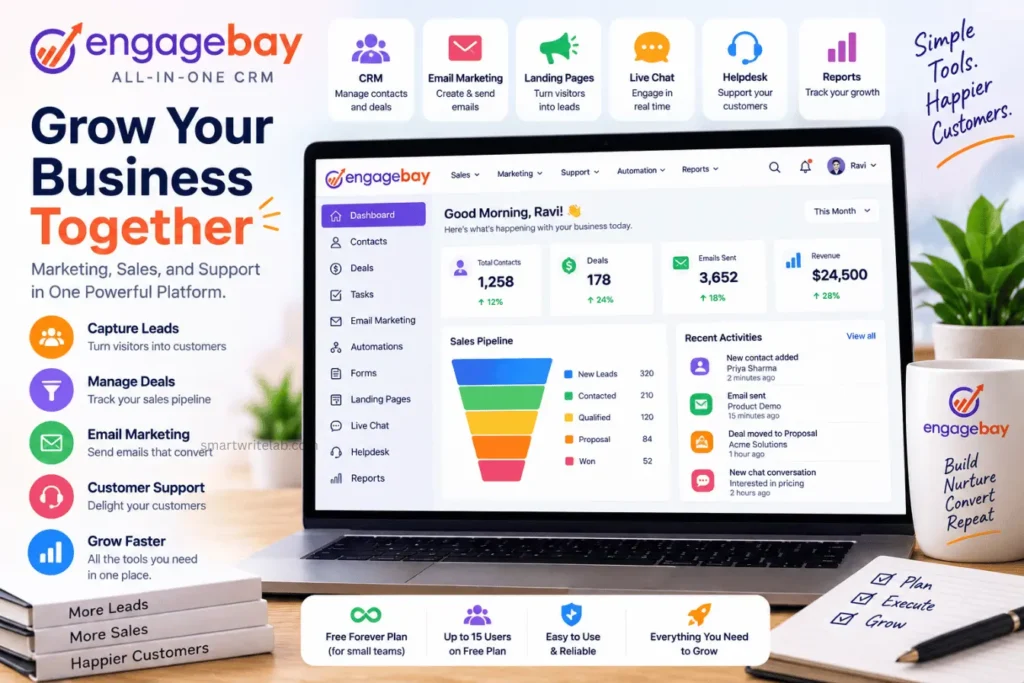
EngageBay is the sleeper pick here. It’s built as an all-in-one suite – CRM, email marketing, live chat, and a helpdesk— and it’s one of the only tools on this list that comfortably covers a 5-person team’s seats for free.
What’s on the free plan:
- Free access for up to 15 users, well beyond a 5-person team
- Basic CRM with a 360-degree contact view
- Email marketing, autoresponders, and landing pages
- Live chat and helpdesk ticketing built in
- Visual deals pipeline
Contacts are capped at around 250 on the free tier, which is the tightest limit on this list. If your team is doing high-volume outbound, you’ll outgrow that number quickly. Marketing automation workflows and custom reporting also require a paid plan.
Best for: A five-person company that wants CRM + marketing + support in one free platform.
Feature Comparison Table for 5 Users
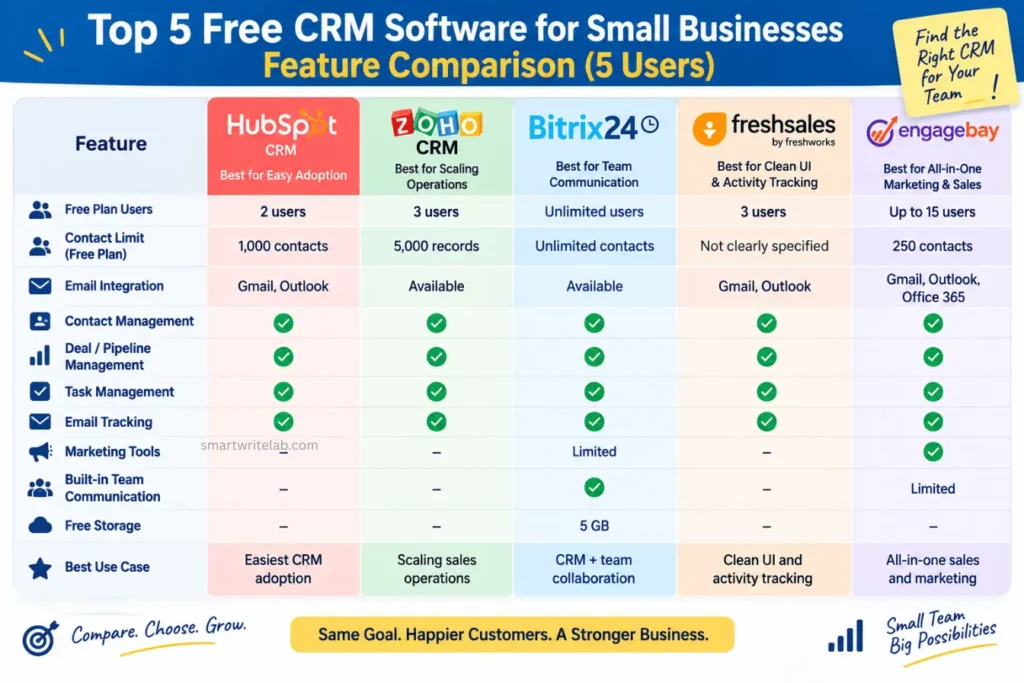
If you’re specifically searching for the best free crm software for a small business with 5 users, this table tells the real story: only Bitrix24 and EngageBay let all five people in without hitting a seat wall.
Read More: Software Free AI Video Generators With No Watermark (2026 Guide)
How to Successfully Onboard Your Team to a Free CRM Software
Picking the software is the easy part. Getting five busy people to actually use it every day is where most rollouts quietly fail.
1. Migrate your data before you announce the switch. Import your existing spreadsheet contacts, tag them by owner, and make sure every open deal has a clear status before anyone logs in. If day one feels empty or messy, adoption dies right there.
2. Set one non-negotiable rule: log it, or it didn’t happen. Tell your team that if a call or email isn’t logged in the CRM, it doesn’t count toward their pipeline. This single rule does more for adoption than any training session.
3. Run a 15-minute weekly pipeline review. Get the team on a quick call to walk through open deals inside the CRM itself, not a slide deck. Seeing real value every week – spotting a stalled deal, catching a missed follow-up – is what turns a tool into a habit.
Frequently Asked Questions
Final Verdict: Which CRM Should You Choose?
Here’s my honest, no-hedging take after testing all five with a 5-person team in mind.
If your whole team needs to log in on day one for zero dollars, pick Bitrix24. It’s the only tool here with a genuinely unlimited free user count, and the bundled chat and task tools mean your team gets more than just a contact database.
If marketing and support matter as much as sales, pick EngageBay. The 15-user free cap covers your team with room to grow, and you get email marketing and a helpdesk bundled in – just watch that 250-contact ceiling.
If you’re willing to pay for two or three seats and want the smoothest day-one experience, pick HubSpot or Freshsales, and add paid seats for your remaining teammates as budget allows.
For most 5-person teams reading this, though, Bitrix24 is the best free CRM software for small businesses with 5 users in 2026 – it’s the only one that gets your entire team off spreadsheets without a seat count forcing your hand.

Ravi Shankar Naval is the founder of Smart Write Lab, where he publishes practical content about AI tools, blogging, SEO, and digital growth. His goal is to help beginners and creators learn modern online strategies through simple, helpful, and easy-to-understand tutorials.