Copy.ai vs. Writesonic: Which AI Tool is Actually Worth Your Time?
Every agency owner I know has the same folder graveyard: a dozen AI tool trials, half-finished workflows, and a credit card statement full of $29 charges nobody remembers approving. When I sat down to actually pick a stack for my content team this year, the debate that kept coming up on every call was Copy.ai vs. Writesonic – two tools that get lumped together constantly but solve genuinely different problems. I put both through real client work for several weeks, not a sandbox demo, to see which one actually cuts down a writer’s workload without producing copy that reads as if it came out of a machine.
This isn’t a spec-sheet rundown pulled from a pricing page. It’s what happened when I handed both tools to a small team, gave them real deadlines, and tracked what got published versus what got quietly rewritten from scratch.
The Short Verdict (If You’re in a Hurry):
Pick Copy.ai if you’re running ad campaigns, need a consistent brand voice across dozens of assets, and want to chain prompts into repeatable workflows for a team.
Pick Writesonic if your priority is SEO-optimized blog content, you publish through WordPress regularly, and you’d rather not pay for a second SEO tool on top of your writer.
Copy.ai now leans hard into go-to-market automation for teams with real budget behind it; Writesonic stays closer to what a solo writer or lean content team needs on a tighter monthly spend. Neither one replaces an editor; both need one.
Copy.ai Deep Dive (Best for Workflows & Ad Agencies)
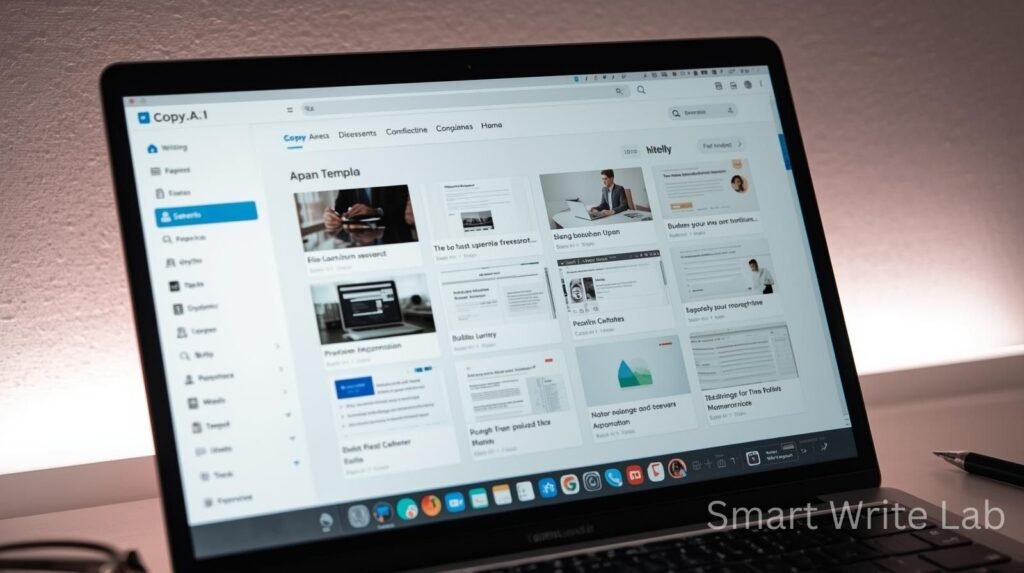
Copy.ai has quietly repositioned itself. It used to be a straightforward “type a prompt, get ten headline variations” tool. In 2026, it markets itself as a go-to-market platform, and that shift shows up in both the product and the price tag.
Where Copy.ai Wins
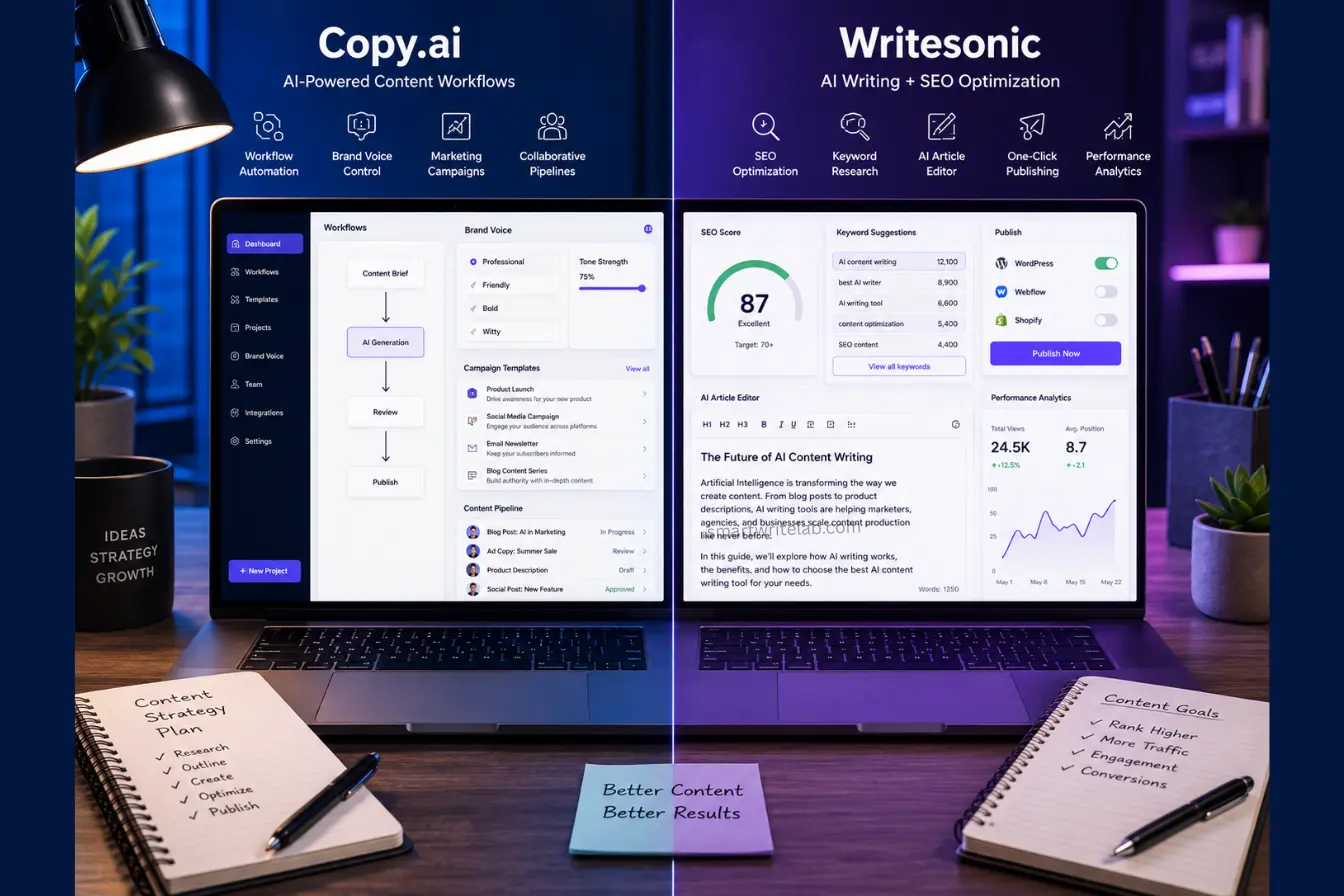
- Brand Voice that actually holds up. You upload existing copy or a style guide, and the tool builds a voice profile that stays consistent across dozens of outputs. For an agency juggling five client accounts, this is the difference between copy that needs a full rewrite and copy that needs a light polish.
- Workflow automation for scale. This is Copy.ai’s real strength. You can chain steps research, outline, draft, variations into a repeatable pipeline instead of re-prompting from scratch every time. For a team pushing out dozens of ad variants for a single campaign launch, this saves hours that used to go into manual copy-pasting between tabs.
- Built for teams, not just individuals. Shared workspaces, reusable brand knowledge, and account-level context mean a new hire can plug into an existing workflow instead of learning your client’s voice from zero.
Where Copy.ai Falls Short
- Long-form blogging is not the point. Writing a 2,000-word article means stitching multiple generated sections together and manually smoothing the transitions. There’s no native SEO scoring built into the writing flow, so you’re still exporting to another tool to check keyword coverage.
- The pricing has a gap in the middle. The entry-level Chat plan works fine for basic prompting, but the jump to the workflow-and-agent tier built for real automation is a serious step up in cost. There’s not much sitting between “light chat tool” and “full platform,” which makes it a harder sell for a small team that just wants solid mid-tier features.
- It’s built for GTM teams, not bloggers. If your job is publishing SEO content on a schedule, a lot of what you’re paying for sales prospecting tools, deal coaching, and account research sits unused.
Writesonic Deep Dive (Best for SEO Blogs & Growth Teams)
Writesonic has also shifted its identity in 2026, adding AI-visibility tracking for how brands show up in tools like ChatGPT and Google’s AI Overviews. But at its core, it’s still the stronger pick for a team whose main output is search-ranking blog content.
Where Writesonic Wins
- Article Writer 6.0 does the heavy lifting on long-form. It produces full-length draft articles rather than fragments you have to assemble, and it pulls in current search data so the draft references what’s actually ranking right now instead of stale training data. Articles up to roughly 5,000 words make it usable for pillar content, not just short posts.
- The SEO Checker and Optimizer is the real differentiator. It scores your draft against live keyword data as you write, which means you’re not exporting to Surfer or a similar tool just to see where you stand. For a team that publishes SEO content weekly, having that check built into the writing flow instead of bolted on afterward saves real time.
- WordPress integration and template breadth. Beyond long-form articles, there’s a large library of shorter-format templates (ad copy, product descriptions, social posts), so one subscription covers more of a content calendar than you’d expect.
Where Writesonic Falls Short
- It can feel bloated if you just want a writer. Between Chatsonic, Photosonic, and the newer AI-visibility tracking features, there’s a lot of surface area to navigate if your only goal is “write me a good blog post.” A lighter, single-purpose tool would feel less cluttered.
- Some integrations sit behind higher tiers. Deeper SEO data pulls (things like connecting real keyword-tracking data from Ahrefs or GSC) and expanded AI-visibility tracking across models like Gemini aren’t available on the entry plan, so budget teams may hit a ceiling faster than expected.
- Drafts still need an editor’s pass. The SEO score can be strong while the actual prose still reads a little stiff in places — treat the output as a fast first draft, not something you copy straight into WordPress and hit publish.
Head-to-Head Comparison: Copy.ai vs. Writesonic
| Feature | Copy.ai | Writesonic |
|---|---|---|
| Best Use Case | Ad campaigns, workflow automation, multi-client agency work | SEO blog content, long-form articles, lean content teams |
| Long-Form Content | Requires stitching sections manually; no single long-form writer flow | Native long-form writer (Article Writer 6.0), drafts up to ~5,000 words |
| SEO Capabilities | No built-in SEO scoring; pair with a separate SEO tool | Built-in SEO Checker & Optimizer with live keyword scoring |
| Brand Voice Control | Strong, dedicated Brand Voice profiles built for teams | Available, with switchable voice profiles across client accounts |
| Languages | 25+ languages | 30+ languages |
| Pricing | Free plan + Paid upgrades | Free trial + Premium plans |
| Best For | Bloggers, small businesses | Marketers, agencies |
Note on pricing: both companies have restructured their plans significantly this year, so treat any specific dollar figure, including the ones above, as a snapshot. Check each tool’s current pricing page before you commit a budget line to either one.
Also Read : Best AI Tools for Blogging: Step-by-Step Guide
Final Decision: Which Tool Should You Pay For?
For Freelance Bloggers & Niche Sites: Writesonic is the better spend. You’re not managing a team or running paid ad campaigns; you’re trying to get ranking blog content published on a schedule without also paying for a separate SEO tool. The built-in optimizer alone can offset the subscription cost by replacing a tool you’d otherwise need to buy separately.
For E-commerce Brands & Ad Agencies: Copy.ai earns its higher price tag here. If your work is campaign-driven, dozens of ad variants, a consistent brand voice across multiple client accounts, and workflows your whole team can reuse, the automation and Brand Voice tooling do work that would otherwise eat a junior copywriter’s entire week.
If you’re genuinely stuck between the two, ask what you’re publishing more of next quarter: search-ranking articles or ad variations at scale. That answer settles it faster than any feature list.
FAQs about Copy.ai vs Writesonic

Ravi Shankar Naval is the founder of Smart Write Lab, where he publishes practical content about AI tools, blogging, SEO, and digital growth. His goal is to help beginners and creators learn modern online strategies through simple, helpful, and easy-to-understand tutorials.