
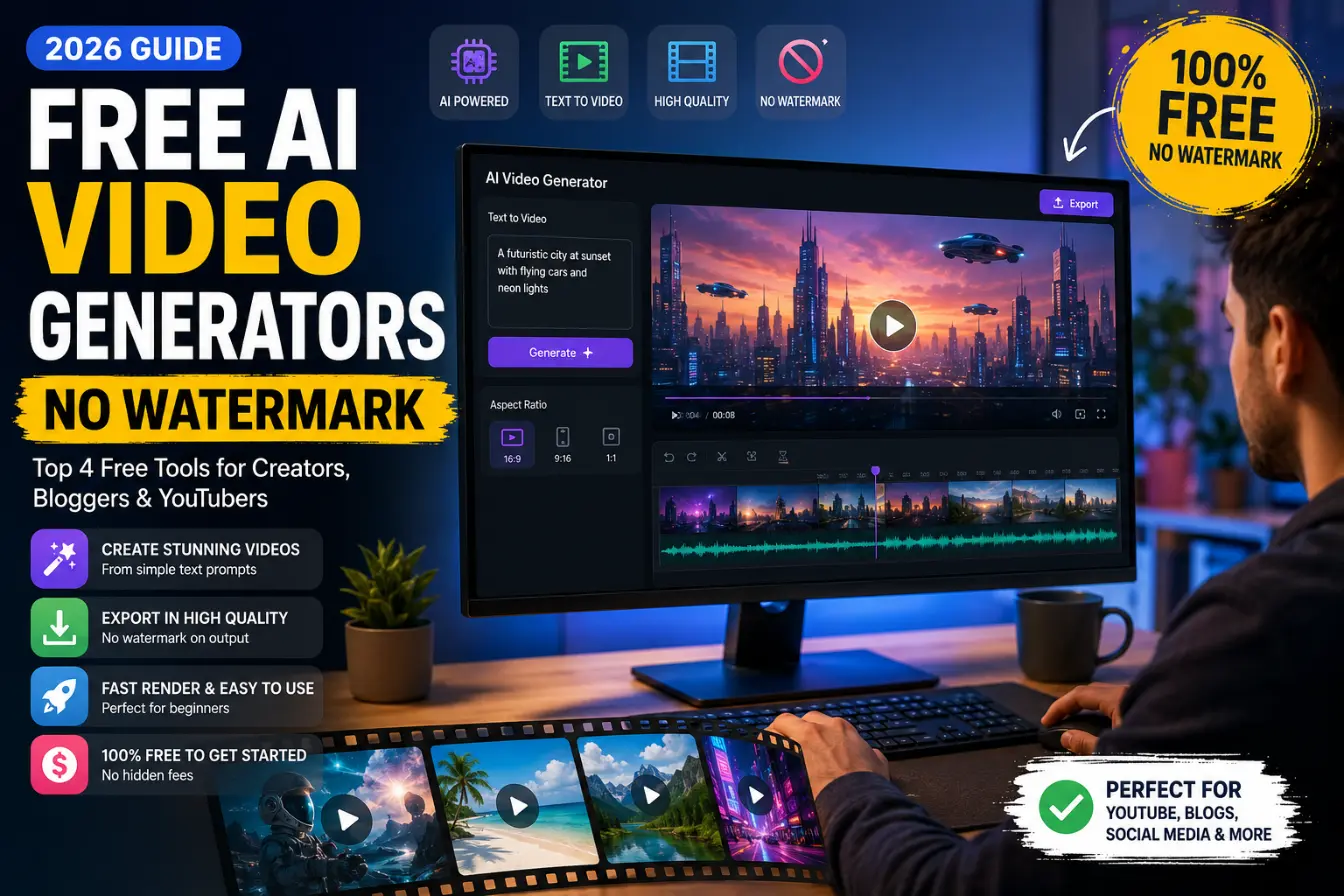
Free AI Video Generators With No Watermark (2026 Guide)
If you’ve ever generated a decent AI video only to find a logo stamped in the corner, you know how that feels. It ruins the clip for anything you’d actually want to post or send to a client.
Compare the best free AI video generators that skip the watermark in 2026 — real credit limits, resolution caps, and honest pros and cons.
The good news: a handful of tools in 2026 genuinely let you export clean video without paying, at least up to a point. The catch is that “free” almost always means a credit limit, a resolution cap, or both, and a lot of blog posts gloss over that part.
This guide focuses on tools whose free-tier watermark policy is actually verifiable, not just advertised. For each one, we looked at the same three things: how many credits or generations you actually get per month, what resolution you’re capped at, and whether the “no watermark” claim holds for standard exports or only under certain conditions.
One more thing worth knowing before you pick a tool: the EU AI Act’s content-disclosure rules, in force through 2026, are pushing more platforms toward invisible provenance watermarking (the C2PA standard, backed by Adobe, Google, Microsoft, and OpenAI). That doesn’t put a visible logo on your video, but it does mean “no watermark” increasingly means “no visible logo” rather than “no trace at all.” Worth keeping in mind if provenance metadata matters for your use case.
Read More: Best AI Software in 2026: The Ultimate Tech Guide
Top Free AI Video Generators With No Watermark (2026)
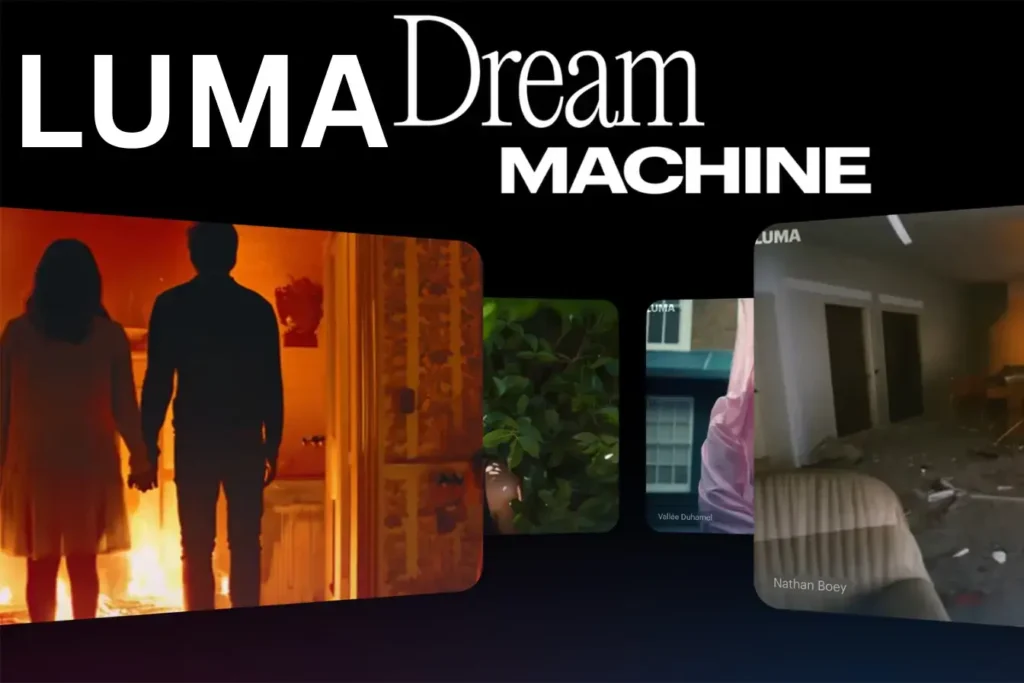
Luma Dream Machine
Luma Dream Machine is one of the more generous free tiers around for straightforward text-to-video and image-to-video generation. It’s not aiming for Hollywood-grade realism, but it’s consistent, and it doesn’t slap a logo on standard-quality exports.
Best used for: Quick social clips, concept previews, and simple B-roll where five-second shots are enough.
Free tier limits: Around 30 generations per month at standard quality, with clips capped at around 5 seconds each.
Pros:
- No watermark on standard-quality exports – the main reason it makes this list
- Clean, simple interface with a short learning curve
- Reasonable monthly allowance for casual use
Cons:
- Quality drops on busier scenes with multiple subjects or complex motion
- Short clip length limits what you can do without stitching multiple generations together
- Fewer style and camera controls than some paid-tier competitors
Seedance
Seedance has built a reputation in 2026 as one of the stronger “actually free and actually clean” options, with a login flow that’s about as frictionless as it gets (sign in with Google, no card, no email verification loop).
Best used for: Creators who want higher resolution than most free tools offer, without a multi-step signup process.
Free tier limits: Reports indicate around 100 daily credits and 1080p output with no watermark, though per-generation credit costs can vary by clip length and quality settings, so treat the daily limit as a ceiling rather than a guaranteed number of full videos.
Pros:
- 1080p output on the free tier – notably higher than most competitors
- Daily credit refresh instead of a one-time allotment that runs out for good
- Minimal signup friction
Cons:
- Daily caps mean heavy users will hit a wall on busy production days
- Feature set is generation-focused; you’ll still need a separate editor for trimming and captions
- Credit costs per video aren’t always transparent up front
PixVerse
PixVerse takes a similar daily-refresh approach to credits, which makes it one of the more sustainable free options if you’re generating small amounts of video regularly rather than in one big batch.
Best used for: Creators who post often but in small volumes — a clip a day rather than ten clips once a month.
Free tier limits: Around 100 initial credits plus a daily recharge of roughly 60 credits, so the account never fully runs dry even without paying.
Pros:
- Daily credit recharge keeps the free tier usable indefinitely, not just for a trial period
- Decent balance of quality and generation speed for a free product
- Good fit for an ongoing content calendar rather than one-off projects
Cons:
- Individual clips are short, so daily credits go fast if you’re re-rolling prompts
- Less suited to longer or more complex storytelling than higher-tier paid tools
- Style range is narrower than premium competitors
Read More: How to Make Money with AI Tools: 7 Safest & Most Effective Methods for Beginners
CapCut (as your free assembly layer)
CapCut isn’t primarily a generator; its own AI video creation features are increasingly regional and credit-gated. Where it earns its spot here is as the free editor you assemble everything in afterward. Standard timeline edits and most template exports leave free-tier videos watermark-free; it’s specific “Pro”-tagged templates, effects, and AI features that add a mark.
Best used for: Stitching clips from Luma, Seedance, or PixVerse into a finished, captioned, publish-ready video.
Free tier limits: 1080p export cap on the free plan, with AI features (auto-captions, background removal, text-to-speech) included but metered separately from your generation tool’s own credits.
Pros:
- No watermark on standard, non-Pro-tagged exports, which covers most everyday editing
- Genuinely useful free AI editing tools (captions, cutout, voice) on top of the timeline editor
- Massive template and asset library, even on the free plan
Cons:
- Watch for the “Pro” tag on templates and effects — using one adds a small watermark unless you’re subscribed
- CapCut’s own AI video generation is limited and increasingly paywalled
- Data and privacy terms are worth a read if that matters to your workflow, since ByteDance’s terms grant fairly broad rights over uploaded content
Quick Comparison Table: Watermark-Free AI Video Generator Tools
| Tool | Free Monthly Credits/Videos | Video Resolution | Best Feature |
|---|---|---|---|
| Luma Dream Machine | 30 generations/month | Standard quality, 5-sec clips | Clean exports, easy interface |
| Seedance | 100 credits/day | Up to 1080p | High resolution for a free tier |
| PixVerse | 100 initial + ~60 credits/day | Standard-HD | Daily credit refresh, sustainable use |
| CapCut (editor) | Unlimited timeline edits (metered AI features) | Up to 1080p free | Free assembly and captioning layer |
How to Maximize Free AI Video Tools Without Paying
1. Split the work across tools instead of relying on one. Generate raw clips in whichever tool matches the look you need, then do trimming, captions, and voiceover in a free editor like CapCut. No single free tier is built to carry an entire project end to end.
2. Upscale low-res free clips instead of upgrading just for resolution. Several free or low-cost upscaling tools can take a standard-quality AI clip and clean it up for social platforms, which is usually cheaper than jumping to a paid generation tier just for 1080p or 4K.
3. Match the tool to the platform, not the other way around. Short vertical clips for Reels or TikTok fit comfortably inside most free credit limits; long-form YouTube content usually doesn’t, so plan longer videos around a paid tier or a heavier editing workflow instead of fighting free-tier caps.
Read More: 7 Best Free Blogging Platforms to Make Money in 2026
Conclusion
None of these tools will replace a full paid production pipeline, but for social clips, concept testing, or content on a tight budget, the free tiers above genuinely export clean video in 2026 – as long as you stay inside their credit and resolution limits.
Which watermark-free AI video generator performed best for your project? Drop your thoughts in the comments below!
FAQs: Free AI Video Generators

Ravi Shankar Naval is the founder of Smart Write Lab, where he publishes practical content about AI tools, blogging, SEO, and digital growth. His goal is to help beginners and creators learn modern online strategies through simple, helpful, and easy-to-understand tutorials.


Appreciate the depth in this piece. For text/image to video with consistent characters, see Pixwit at . Pixwit