Best AI Software in 2026: The Ultimate Tech Guide
Artificial intelligence software is no longer just a collection of chatbots. In 2026, it will become the foundation of modern work. Autonomous agents schedule projects, analyze data, generate code, create media, and execute multi-step workflows with minimal human intervention.
This shift has created a new challenge. Choosing the wrong AI stack increases complexity rather than productivity and wastes thousands of dollars annually. After months of testing, benchmarking, and comparing dozens of platforms, I found that the best AI software of 2026 is defined by one thing: execution. Winners don’t just answer questions; they get the job done well.
This guide covers the best AI software for 2026, spanning productivity, content creation, coding, analytics, and search, so you can build a smart technology stack without being weighed down by a multitude of subscriptions.
The State of Best AI Software in 2026
Three trends are dominating the market this year:
- Autonomous AI agents are replacing manual workflows.
- Multi-modal systems that understand text, images, audio, and video simultaneously.
- Deep reasoning models capable of making complex business decisions.
Nowadays, the gap between mediocre and excellent software has widened significantly.
Some tools still function like enhanced chat interfaces. Meanwhile, other tools operate like digital teammates. This difference matters.
Advanced Productivity & Agentic Workflows
ChatGPT
This tool is a digital Chief of Staff for modern knowledge work.

During my testing this year, ChatGPT has consistently delivered the most balanced mix of reasoning, task execution, research, and workflow automation.
The Standout Features (Pros):
- Advanced Autonomous Agent Capabilities
- Handles research, planning, and execution workflows
- Multi-modal understanding through text, voice, images, and files
- Strong integration ecosystem
- Excellent rationale for business decisions
The Missing Pieces (Cons):
- Premium plans can be expensive for large teams.
- Supervision is sometimes required for the agent’s actions.
- Some enterprise integrations require configuration.
The Reality Check
Use ChatGPT as a central control layer rather than just another isolated tool; managing your entire workflow with it boosts your productivity.
Claude
This tool is a machine for deep thinking on your behalf.
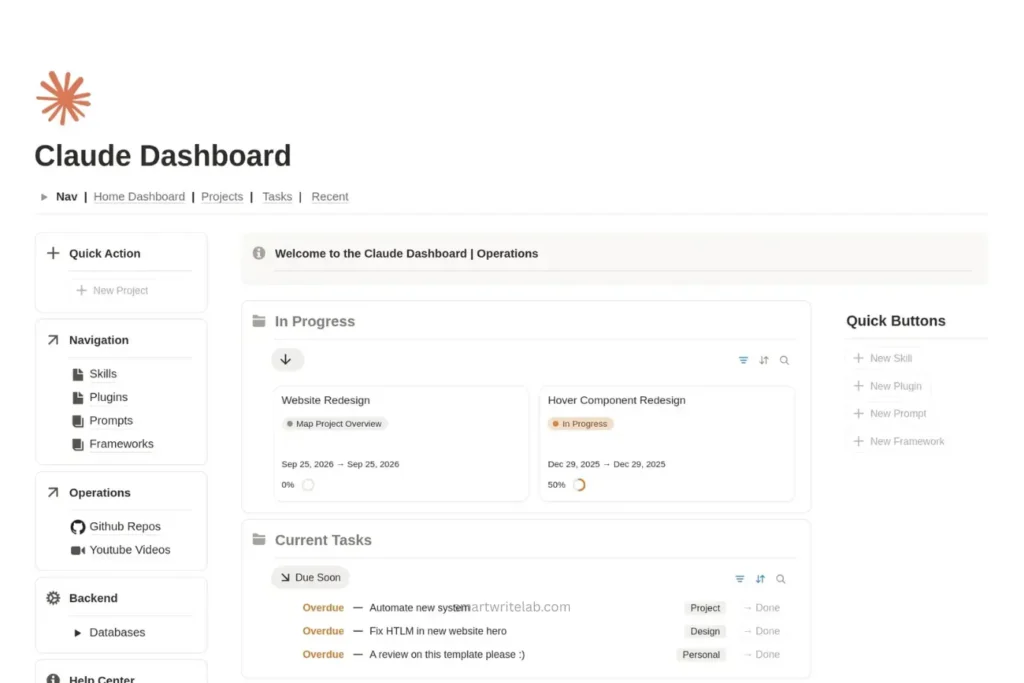
The cloud remains one of the most robust platforms for intensive analysis and heavy-duty tasks involving documents.
The Standout Features (Pros):
- Excellent in long-context processing
- Strong performance on legal, research, and policy documents
- Reliable reasoning on large datasets
- Clean user experience
The Missing Pieces (Cons):
- Lower workflow integration compared to competitors
- The Agent’s performance still lags behind some competitors.
- Limited ecosystem depth
The Reality Check
If your work involves reports, contracts, and strategic planning, Claude often delivers higher-quality output compared to many competitors.
Notion AI
You have a workspace that finally understands what you are creating.
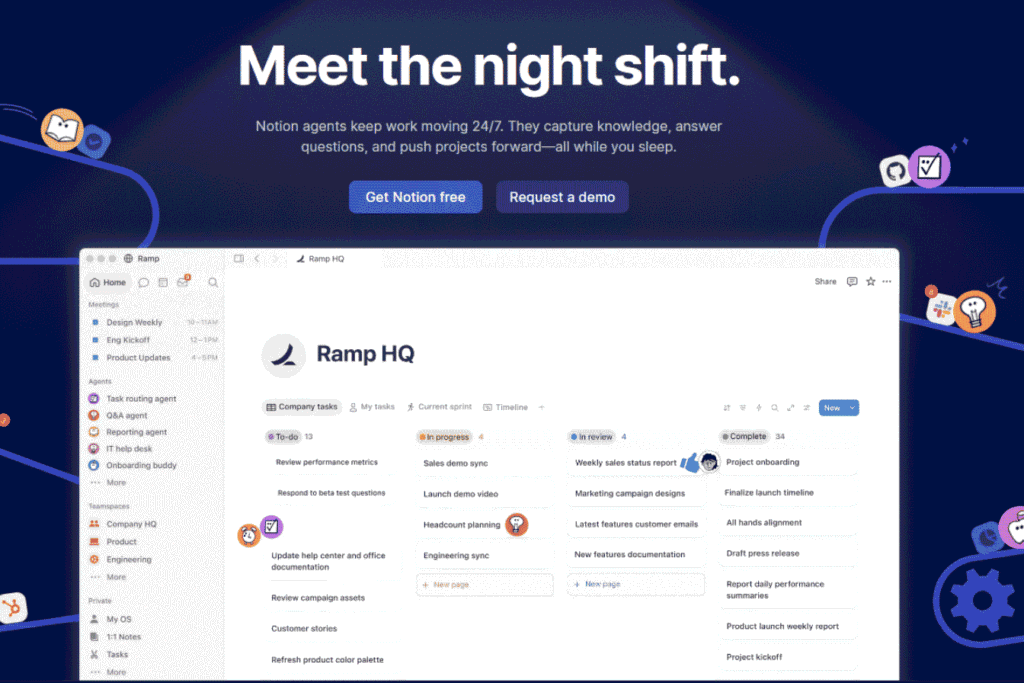
Notion AI has evolved into a true project-management assistant rather than just a simple writing assistant.
The Standout Features (Pros):
- AI-powered project planning
- Automated Documentation
- Knowledge Management Automation
- Improving team collaboration
The Missing Pieces (Cons)
- Commitment to the Notion ecosystem is essential for accessing its best features.
- Things can become disorganized in large organizations.
- Limited advanced reasoning compared to dedicated AI systems.
The Reality Check
Organizations that are already using Notion get the highest ROI.
Here is the Best AI Study Planner for Students.
Generative Design & Multi-Modal Content Creation
Midjourney
This tool remains the king of visual imagination.

It is very difficult to match the visual quality produced by Midjourney.
The Standout Features (Pros):
- Best image quality in the industry
- Exceptional artistic control
- Better consistency for branding
- Advanced Design Iteration Workflow
The Missing Pieces (Cons):
- The learning process is essential for prompt optimization.
- Less suitable for business-related design tasks involving a heavy workload.
- Enterprise collaboration tools are limited.
The Reality Check
Creative professionals continue to derive exceptional value from Midjourney when creating campaign assets.
Adobe Firefly
Enterprise creativity without legal hassles in this tool.
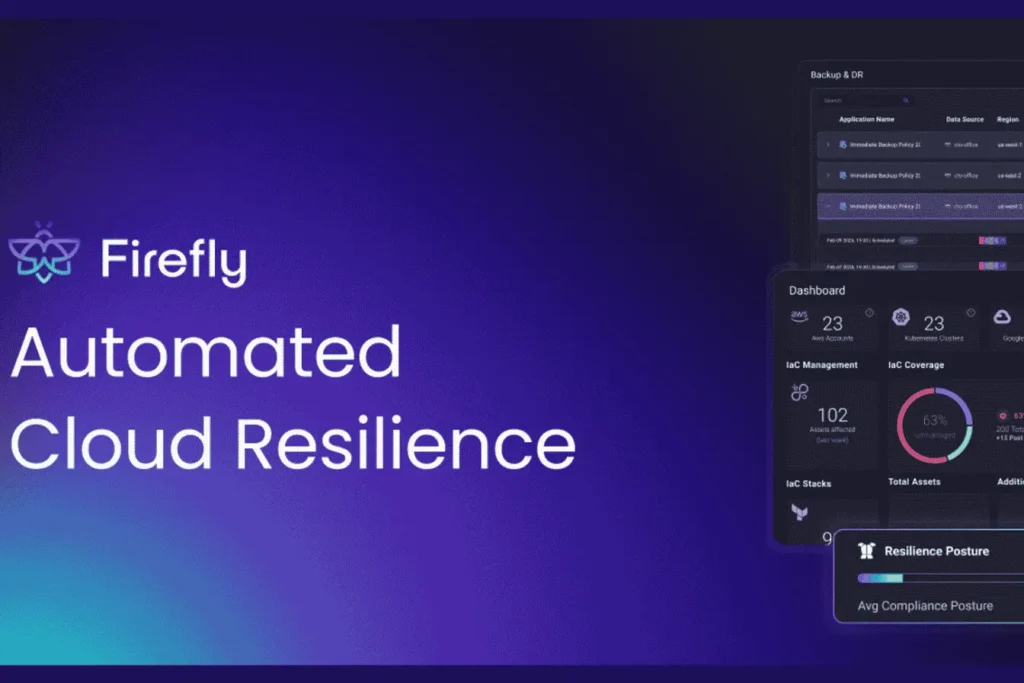
Adobe has positioned Firefly as the safest option for creating commercial content.
The Standout Features (Pros):
- Deep Creative Cloud integration
- Creating business-focused content
- AI-powered image editing
- Video creation capabilities
- Brand consistency tools
The Missing Pieces (Cons):
- Premium pricing
- An Adobe subscription is required for the best experience.
- Some outputs seem less creative than the competitors’ outputs.
The Reality Check
Large organizations that prioritize compliance often use Firefly instead of more experimental options.
Runway
Hollywood-grade AI production in the browser.
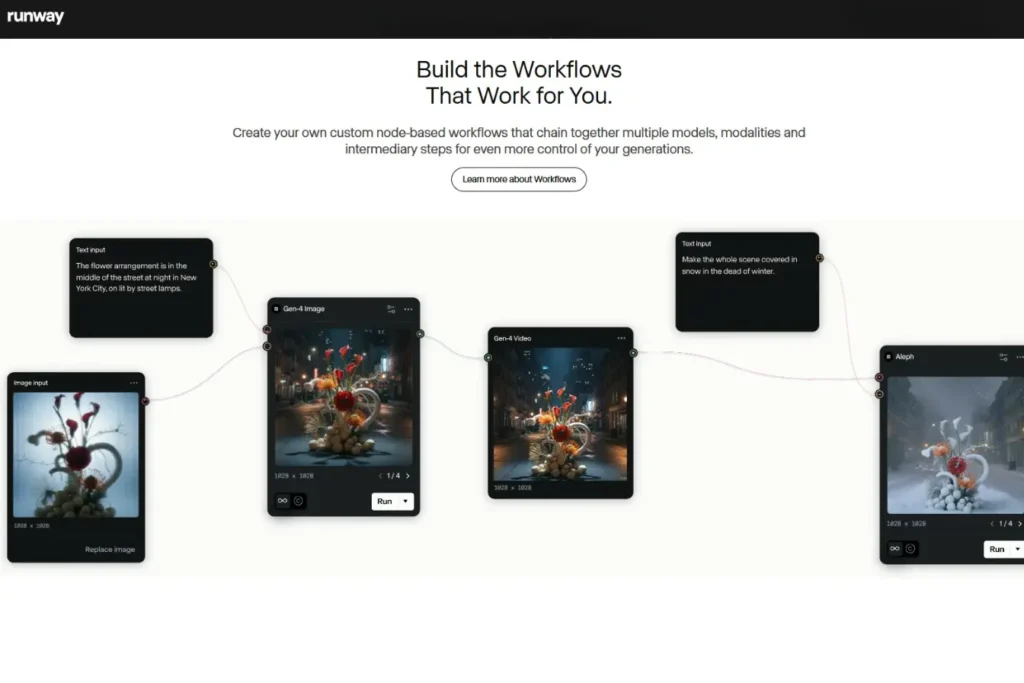
Runway has become one of the most impressive video-generation platforms available.
The Standout Features (Pros):
- High-quality video generation
- Advanced motion control
- AI editing workflows
- Fast production cycles
The Missing Pieces (Cons):
- Costs escalate rapidly in projects requiring significant effort and resources.
- The stability of the output varies.
- Professional users may still need traditional editing software.
The Reality Check
With the help of this tool, marketing teams can reduce production time from weeks to days.
Enterprise Data Analysis & Deep Coding Assistants
GitHub Copilot
A software engineer is the most productive pair programmer. This tool is very useful for them.
Coding assistants have improved significantly in 2026. GitHub Copilot has become one of the strongest options.
The Standout Features (Pros):
- Real-time code generation
- Multi-language support
- Automated debugging assistance
- Strong IDE integrations
- Boosting productivity for development teams
The Missing Pieces (Cons):
- The generated code needs to be checked.
- Human oversight is essential for architectural decisions.
- Setting up enterprise governance can be complex.
The Reality Check
My practical analysis revealed that experienced developers benefit more from using this than newcomers do.
Also Read: How to Build a Simple Productivity System for Beginners (USA-Friendly Guide)
Cursor
An excellent coding environment built for the AI era
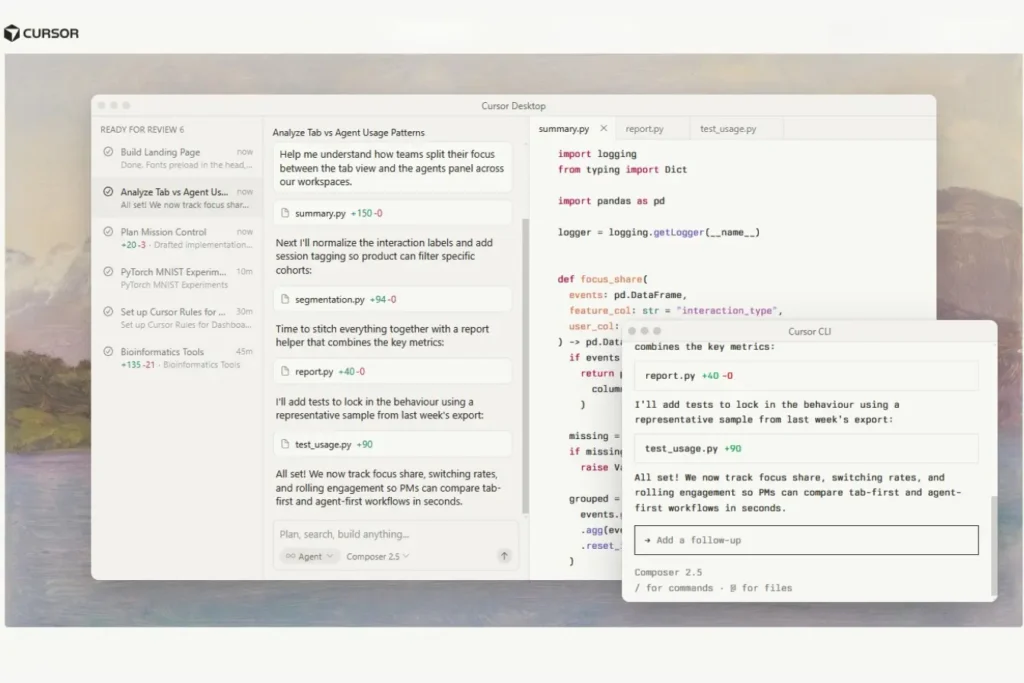
Cursor is rapidly becoming the preferred choice for AI-native software development. It is an excellent tool for the coding environment.
The Standout Features (Pros):
- Context-aware coding assistance
- Understanding of the entire project
- Navigating the codebase quickly
- Strong and independent coding workflow
The Missing Pieces (Cons):
- Premium features increase the cost.
- Performance depends on the complexity of the project.
- Some organizations oppose its IDE migration.
The Reality Check
Based on my usage, software development teams should evaluate Cursor on a daily basis.
Next-Gen Search & Discovery Engines
Perplexity
A search that feels like talking to an analyst.
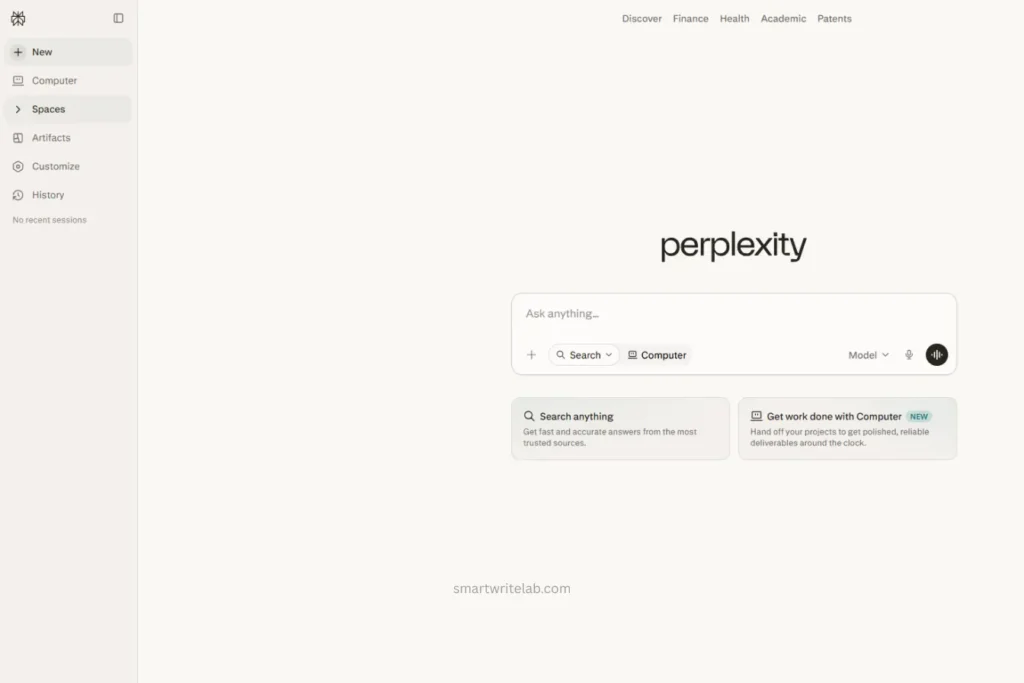
Perplexity is a tool that continuously redefines the way information is found.
The Standout Features (Pros):
- Source-backed answers
- Fast research workflows
- Obtaining real-time information
- Excellent citation structure
The Missing Pieces (Cons):
- Sometimes, they provide an overly brief account of intricate and complex subjects.
- Limited workflow automation
- Premium features are available with a subscription.
The Reality Check
Based on my experience, researchers and journalists benefit immensely from its speed.
Google Gemini
Its intelligence layer across Google’s entire ecosystem.
In today’s world, Google Gemini has become an integral part of productivity workflows.
The Standout Features (Pros):
- Native Google Workspace integration
- Strong multi-modal reasoning
- Full ecosystem support
- Broad access
The Missing Pieces (Cons):
- Performance differs depending on the task.
- Some advanced features are still disorganized.
- Complex enterprise deployments
The Reality Check
Adopting Gemini is usually the easiest route for organizations that rely heavily on Google.
Best AI Software in 2026: 2026 Comparison Master Matrix
| Tool | Best in | Core Category | Rating |
|---|---|---|---|
| ChatGPT | Business workflows and research | Productivity & Agents | 5/5 |
| Claude | Detailed reasoning process | Strategic Analysis | 4.5/5 |
| Midjourney | Visual design | Content Creation | 4.5/5 |
| GitHub Copilot | Software development | Coding | 4.5/5 |
| Perplexity | Research and discovery | Search & Research | 4.5/5 |
Future-Proofing Your Workflow
While evaluating the organization, I discovered a major issue: ‘subscription overload.’ Teams often subscribe to ten AI tools but actually manage to use only three or four of them.
A better approach looks something like this:
For one-person businesses
- ChatGPT
- Midjourney
- Perplexity
For Marketing Teams
- ChatGPT
- Runway
- Adobe Firefly
- Perplexity
For Software Companies
- ChatGPT
- Cursor
- GitHub Copilot
For Enterprises
- ChatGPT Enterprise
- Claude
- Gemini
Your goal should not be to add more software, but rather to reduce obstacles.
Best AI Software in 2026: My decisive decision
After extensive testing across all the tools, ChatGPT emerges as the overall winner among the best AI software of 2026. This tool offers the best balance of reasoning, automation, research, multi-modal capabilities, and workflow execution.
If your work involves documents and analysis, you should choose Claude.
If visual content is your competitive advantage, you should choose Midjourney.
If you generate revenue from software development, you should choose GitHub Copilot or Cursor.
If fast research is your daily priority, you should choose Perplexity.
Based on my research, a combination of ChatGPT and Perplexity is highly beneficial for budget-conscious users. For companies, using ChatGPT, Claude, and GitHub Copilot together creates one of the most powerful productivity stacks available today.
That combination represents what many professionals now consider the Best AI Software in 2026 for serious business use.
Frequently Asked Questions
What is the Best AI Software in 2026 overall?
Based on functionality, the strength of the ecosystem, and agent capabilities, ChatGPT is currently leading the market.
Which AI software is best for small businesses?
ChatGPT and Perplexity offer the best balance of affordability, productivity, and research capabilities.
What is the best AI tool for developers?
GitHub Copilot and Cursor are excellent and leading options for coding, debugging, and software development workflows.
Are AI agents replacing traditional software?
Not entirely. However, many organizations now use AI agents as an operational layer that connects and automates existing software systems.
Final Thoughts
The race for the best AI software in 2026 is no longer about which one can provide the smartest answers. Instead, what truly matters is which one can get the job done with minimal friction. The most successful platforms are now moving beyond mere conversation to actually performing tasks.
Organizations that build purpose-built and practical AI stacks gain a clear advantage in productivity, creativity, and decision-making capabilities. Others may find themselves paying for tools they rarely use. By 2026, software will not merely assist people in their work; it will increasingly become an integral part of the workforce itself.

Ravi Shankar Naval is the founder of Smart Write Lab, where he publishes practical content about AI tools, blogging, SEO, and digital growth. His goal is to help beginners and creators learn modern online strategies through simple, helpful, and easy-to-understand tutorials.