How to Use ChatGPT Deep Research for College Assignments (Tested in 2026)
Let’s be honest. Assignment research usually goes like this: you open 20 tabs, half of them are outdated blog posts, one is a Reddit thread from 2019, and three hours later you still don’t have a solid outline.
It’s exhausting, and it eats up time you could spend actually writing.
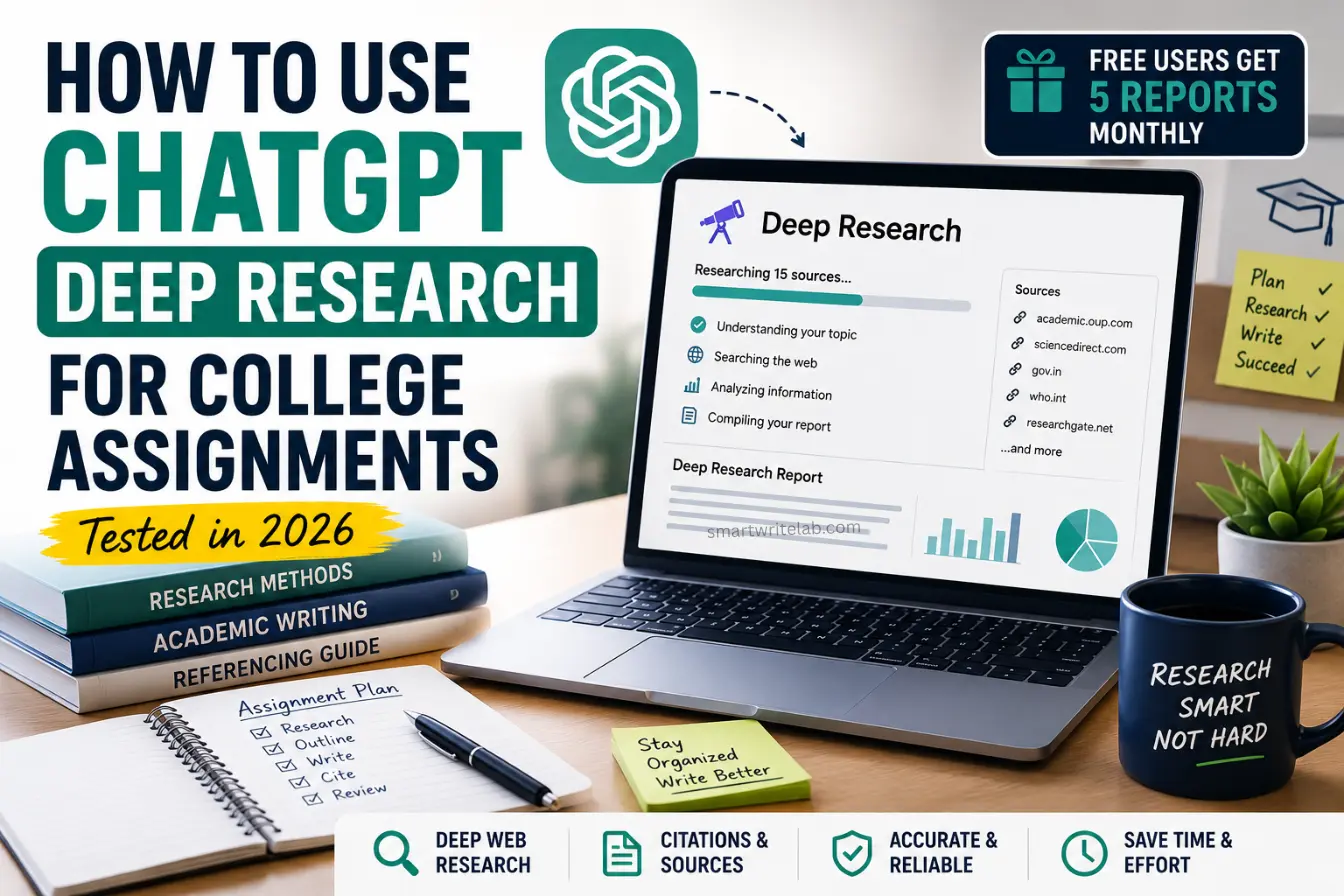
That’s where the ChatGPT Deep Research feature comes in. Instead of you manually digging through search results, it goes out, reads dozens of sources, and hands you back an organized, cited report.
Free users currently get 5 Deep Research reports every month, so you don’t even need a paid plan to try this out. We tested it on real assignment topics, and here’s the full breakdown of how to actually use it well.
What is ChatGPT Deep Research? (Simple Explanation)
Regular ChatGPT mostly works off patterns it learned during training, plus quick web lookups when needed. It’s fast, but it’s not built for deep, multi-source digging.
Deep Research is different. When you turn it on, ChatGPT actually goes out and browses the live web for 5 to 30 minutes, reading through dozens of pages, PDFs, and reports before writing anything.
Think of it like this: standard ChatGPT is a smart friend answering from memory. Deep Research is that same friend, except they just spent an afternoon in the library reading real sources before giving you an answer.
Here’s what makes it useful for assignments specifically:
- It pulls from current, live sources, not just static training data
- It shows its sources with links, so you can check them
- It synthesizes information across multiple sources instead of giving you one surface-level answer
- It works well for literature reviews, comparative essays, and background research
Step-by-Step Guide: How to Use ChatGPT Deep Research for Assignments
Step 1 – Define Your Research Topic Clearly
This is the step most students rush, and it’s the one that matters most.
Deep Research isn’t a mind reader. If you give it a vague topic like “climate change,” you’ll get a generic report that could apply to any class. Instead, narrow it down.
Before you start, figure out:
- Your exact assignment question (copy-paste it if you have it)
- Your word count and format (essay, case study, literature review)
- Any specific angle your professor wants (economic impact, historical context, policy analysis)
- Whether you need a specific number of sources or source types (peer-reviewed only, for example)
The narrower your topic, the more useful your report will be.
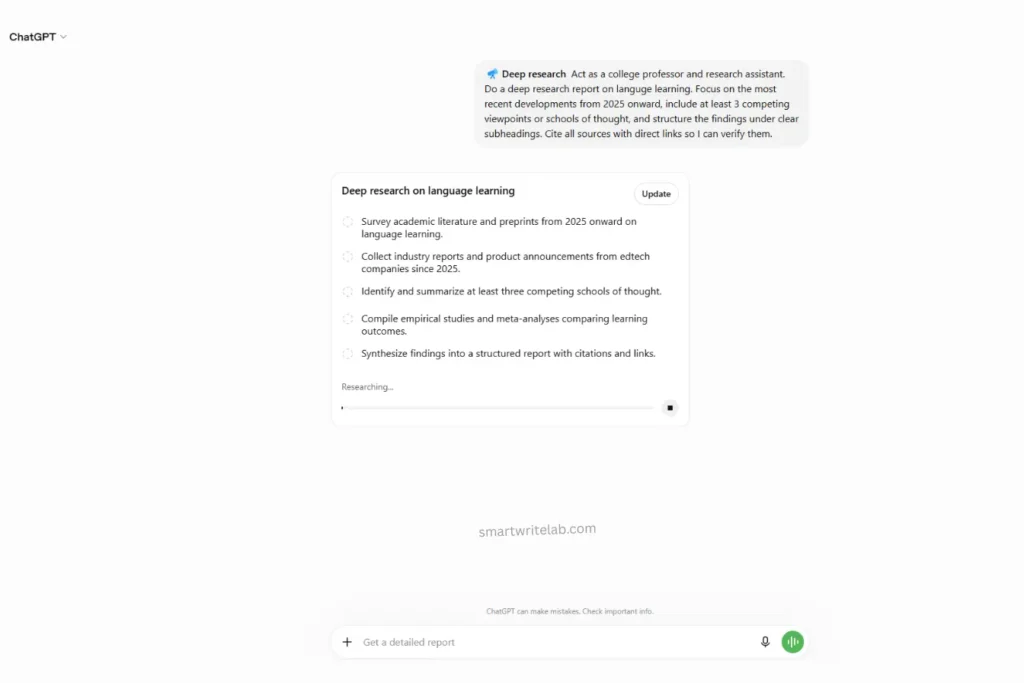
Step 2 – Use the “Perfect Deep Research Prompt”
Your prompt essentially serves as a set of instructions for a research assistant. Vague in, vague out.
Here are two prompt templates that worked well in testing:
Prompt Example 1 (For essays and argumentative papers):
“Act as a college professor and research assistant. Do a deep research report on [your topic]. Focus on the most recent developments from 2023 onward, include at least 3 competing viewpoints or schools of thought, and structure the findings under clear subheadings. Cite all sources with direct links so I can verify them.”
Prompt Example 2 (For literature reviews or comparative papers):
“I’m writing a [word count]-word college paper on [topic] for a [subject] class. Do a deep research report comparing how at least 4 credible sources (academic journals, government reports, or major publications) approach this topic. Highlight where sources agree, where they disagree, and note any gaps in current research. Include citations and links.”
Notice both prompts tell ChatGPT who to act as, what depth you need, and how to structure the output. That’s the difference between a mediocre report and a genuinely useful one.
Step 3 – Verify the Citations and Sources
This step is non-negotiable, and skipping it is how students get into trouble.
Deep Research is good, but it’s not perfect. It can occasionally misread a source, pull an outdated stat, or misattribute a claim. OpenAI itself has acknowledged the tool can make factual errors, so treat every claim as unverified until you’ve checked it.
Before you use anything from the report:
- Click every citation link and confirm the source actually says what ChatGPT claims it says
- Check the publish date – make sure it’s not outdated info presented as current
- Confirm the source is actually credible (a .edu, .gov, peer-reviewed journal, or reputable news outlet beats a random blog)
- Cross-check any statistics or numbers against the source directly
Skipping this step is risky. A wrong citation in your bibliography is an easy way to lose points, even if the rest of the paper is solid.
How to Avoid AI Detection and Plagiarism (Crucial for Students)
Here’s the part that actually matters for your grade: don’t copy-paste the report into your assignment.
Even if the content is accurate, submitting it directly poses a plagiarism risk, and AI detection tools have gotten better at flagging text that reads as if it were generated rather than written.
The smarter approach:
- Use the Deep Research report as an outline, not a final draft
- Pull out the key facts, arguments, and sources, then close the report
- Rewrite every section in your own voice, the way you’d naturally explain it to a classmate
- Add your own analysis and opinion – this is usually what professors are actually grading for anyway
- Keep your citations, since those point to real sources you’re allowed to reference
Basically: let Deep Research do the digging, but let your brain do the writing. Your professor wants to see how you think about the material, not how well ChatGPT can summarize it.
ChatGPT Deep Research vs. Standard Google Search
Here’s how the two stack up when you’re actually working on an assignment:
| Factor | ChatGPT Deep Research | Standard Google Search |
|---|---|---|
| Time Taken | 5–30 minutes, but hands-off (you can multitask) | Can take hours of manual tab-hopping |
| Direct Answers | Synthesizes info into one organized report | You have to piece answers together yourself |
| Citations | Provides clickable source links automatically | You collect and format sources manually |
| Best For | Literature reviews, comparative essays, background research | Quick fact-checks, single specific answers, local/current info |
Neither tool completely replaces the other. Google is still faster for a quick fact-check. Deep Research wins when you need a broad understanding of a topic fast.
Organize Your Research with AI Planners
Getting the research done is only half the battle. The other half is actually managing your time so you finish the assignment before the deadline creeps up on you.
Once your Deep Research report is done, block out your remaining time:
- Day 1: Read the report, verify sources, take notes in your own words
- Day 2: Build your outline and draft your intro/body sections
- Day 3: Write your conclusion, format citations, and proofread
If you tend to procrastinate (no judgment, most of us do), pairing this with a study planner keeps you on track instead of cramming the night before.
Read More: Best Free AI Planner for Students (Top Study Planning Tools)
Conclusion
ChatGPT Deep Research isn’t magic, but it’s a genuinely solid shortcut for the most tedious part of any assignment: gathering credible information. Use it to build your outline, always verify the sources, and put everything into your own words before you submit.
Now it’s your turn – which AI tool do you actually use for assignment research? Drop a comment below and let’s compare notes.
FAQs

Ravi Shankar Naval is the founder of Smart Write Lab, where he publishes practical content about AI tools, blogging, SEO, and digital growth. His goal is to help beginners and creators learn modern online strategies through simple, helpful, and easy-to-understand tutorials.