5 Best AI Tools for Students (Free & Practical Guide)
College and high school life have become very stressful.
One week you’re juggling research papers, lab reports, presentations, quizzes, and group projects—all at the same time. The very next week, deadlines pile up so quickly that you can’t finish them on time. I’ve experienced this too. During my testing and research, I found that the right AI tools can act as a 24/7 study partner without changing the learning process.
That’s why I made this guide on the best AI tools for students. Rather than running after every new app online, students need practical tools that save time, improve understanding, and help them do better academic work the right way.
The purpose is not to have AI do your homework. The purpose is to learn faster.
You can also visit this : Best AI Tools for Students in 2026 (Free & Powerful Study Tools)
Why Students Must Choose AI Wisely
AI has changed dramatically over the last few years.
Most modern platforms today provide features like research help, writing assistance, study planning, sourcing, and personalized tutoring in a single place. This is great for students—but only when used responsibly.
Top students use AI for these tasks:
- Understand difficult concepts.
- Make study plans.
- Prepare questions for practice
- Improving writing clarity
- Arrange the research results.
- Create flashcards for revision.
They don’t use AI to submit copied assignments.
For long-term academic success, think of AI as a tutor, not a replacement for your brain. This is why I chose these Best AI tools for students.
The Top 5 Best AI Tools For Students. Reviewed
1. ChatGPT — Your All-Purpose Study Assistant
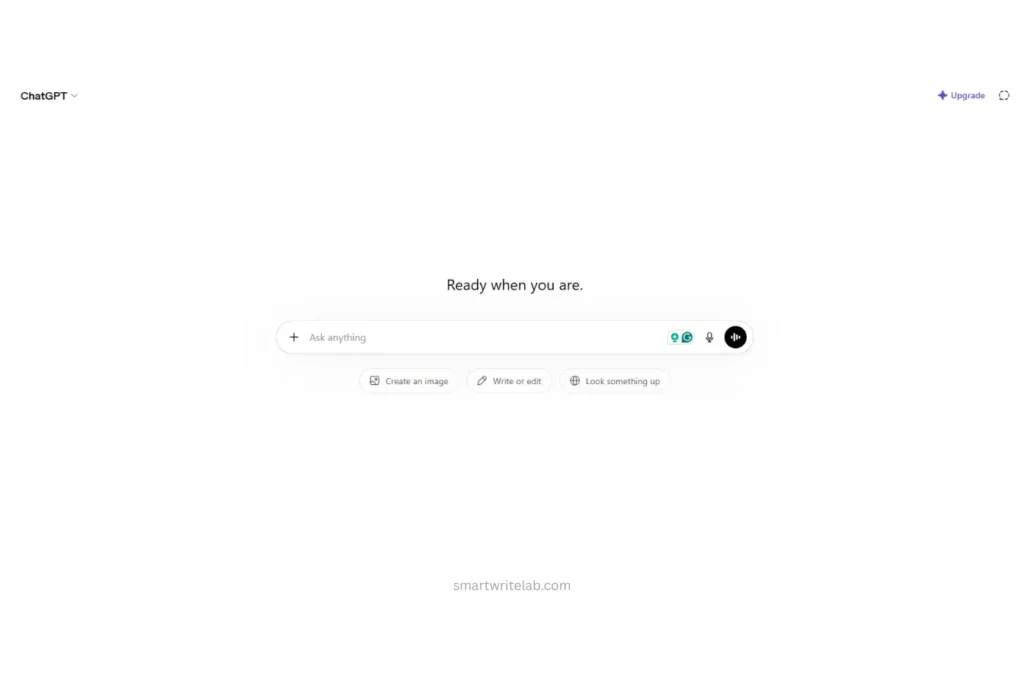
When it comes to the best AI tools for students, ChatGPT is usually the first name that comes to mind.
Best Used For:
- Ideas for essays
- Understanding the concepts
- Study planning
- Practice Quiz
- Coding assistance
My Personal Experience
I tested ChatGPT by reviewing a 20-page biology research paper packed with technical terms. Rather than asking for direct answers, I asked it to break down the difficult sections into simple language.
The result?
I understood the information rapidly and created study notes in less than half the time it normally takes.
The Free Tier Reality
Free users get powerful AI support, but usage limits apply during busy hours.
A Pro Tip for Students
Instead of saying “Tell me about photosynthesis,” ask this:
“Explain photosynthesis as if you were helping a 10th-grade student prepare for an exam.”
This makes a huge difference in the quality of the answer. Thanks to its versatility, ChatGPT remains one of the best AI tools for students.
2. Perplexity — Research With Sources Included
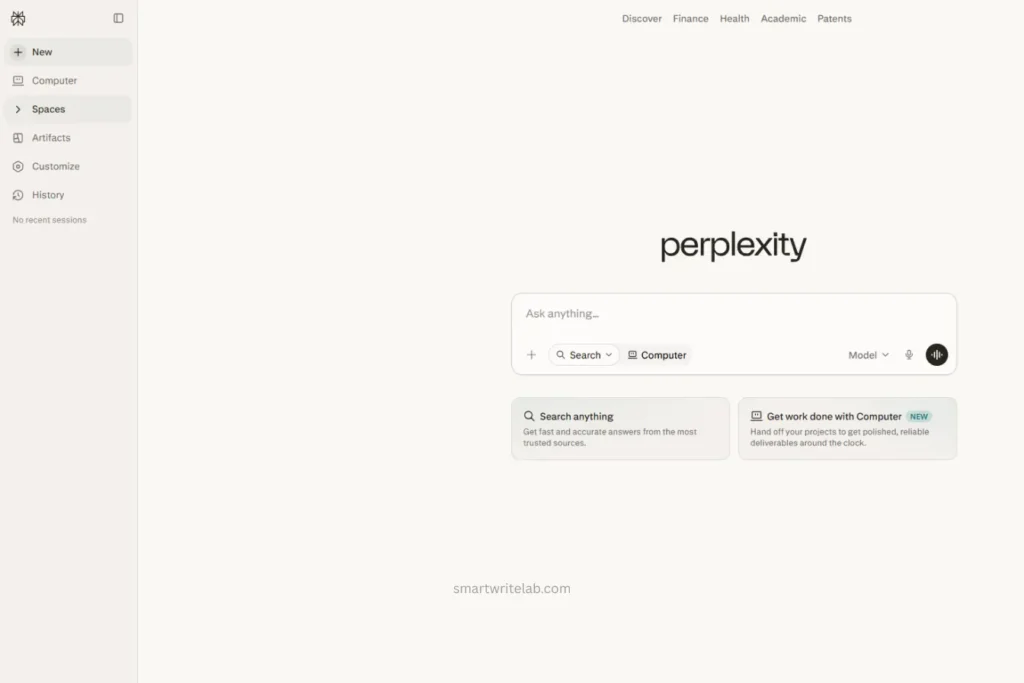
Research can be frustrating. Finding reliable information often takes longer than writing the paper. That’s where Perplexity comes in.
Best Used For:
- Academic research
- Finding the source
- Literature Reviews
- Verification of facts
My Personal Experience
I tested Perplexity while researching renewable energy trends. Instead of opening dozens of tabs, I received summarized information along with source links. This significantly reduced the time spent on my research.
And most importantly, I could verify where the information came from.
The Free Tier Reality
Students can search multiple times for free and get answers based on the cited sources.
A Pro Tip for Students
Ask Perplexity:
“Provide scholarly sources published in the last three years about adopting renewable energy.”
This immediately streamlines your research process.
For research-intensive coursework, Perplexity is one of the best AI tools for students.
3. Grammarly — Better Writing, Fewer Mistakes
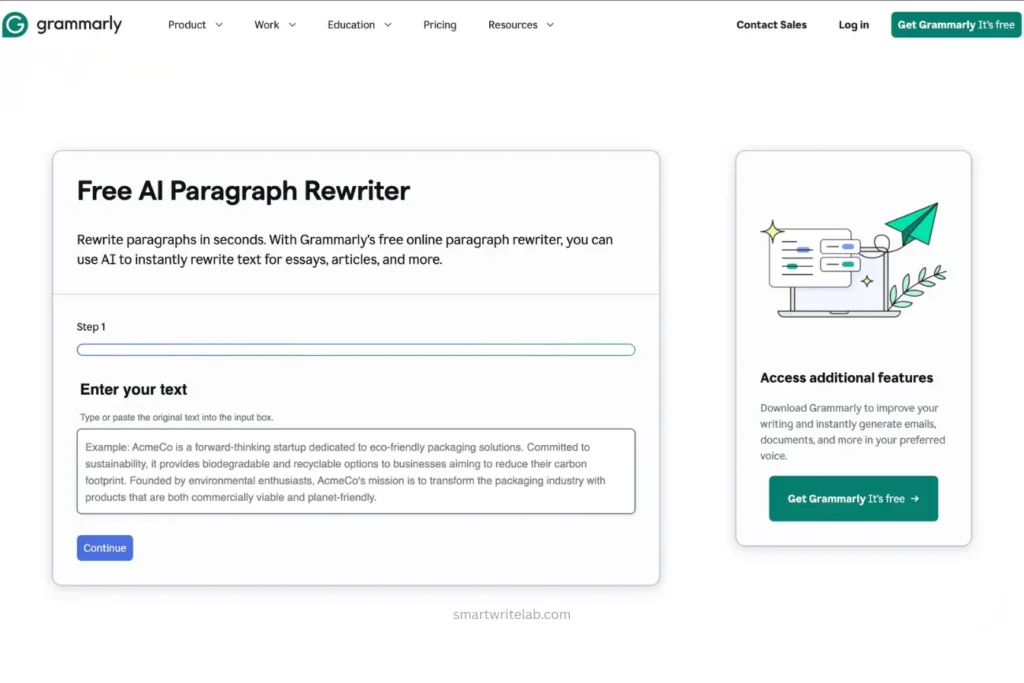
Even good students make mistakes while writing. Typos happen. Sentences can turn out awkwardly.
Grammarly catches many of these errors before your professor does.
Best Used For:
- Essay editing
- Grammar correction
- Improvement in clarity
- Professional conversation
My Personal Experience
I tested Grammarly on several article drafts and academic reports. It consistently identified sentence structure issues that I would overlook after staring at the same document for hours. And I still use it.
The clarity suggestions were particularly useful.
The Free Tier Reality
Students get tips on grammar, spelling, punctuation, and basic writing for free.
A Pro Tip for Students
Use Grammarly after finishing your paper, then read the document aloud before submitting it.
This combination catches far more errors than either method used alone.
When writing quality matters, Grammarly is one of the best AI tools for students.
You can Also Read : Grammarly AI Checker Review (Real Testing & Honest Results)
4. Quizlet AI — Smarter Flashcards and Faster Revision
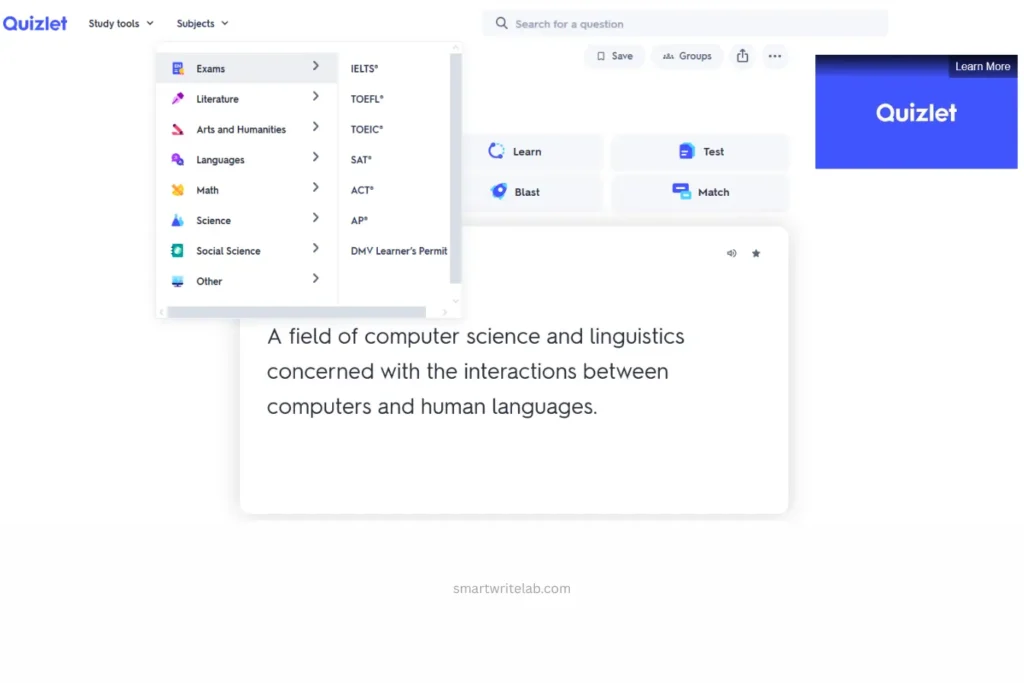
Retaining information is crucial—especially in subjects like biology, medicine, history, law, and language learning.
Quizlet has now gone far beyond traditional flashcards.
Best Used For:
- Exam preparation
- Flashcards
- Vocabulary development
- Active recall practice
My Personal Experience
I uploaded the lecture notes and turned them into study materials. Rather than spending hours making flashcards by hand, I focused on reviewing them. This saved valuable study time before the exam.
The Free Tier Reality
Students can access the main flashcard features and study modes for free.
A Pro Tip for Students
Make separate decks for:
- Definitions
- Formulas
- Important dates
- Exam mistakes
This helps a lot with retention.
People who focus on revision often consider Quizlet one of the best AI tools for students.
5. Photomath — Step-by-Step Math Understanding
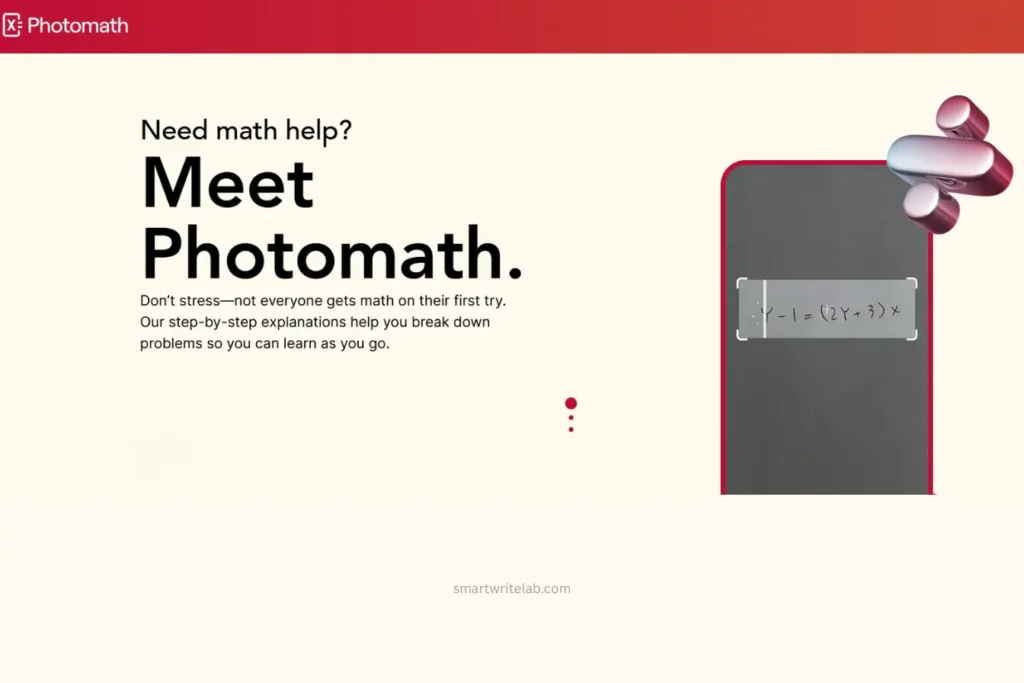
Math isn’t just about finding the answer. It’s about understanding the process. That’s why Photomath is such a useful tool.
Best Used For:
- Algebra
- Geometry
- Basics of Calculus
- Homework Check
My Personal Experience
I tried Photomath with a lot of algebra and calculus problems. The thing that impressed me most wasn’t the answer, but the explanation.
The Free Tier Reality
Students can solve many math problems and get step-by-step guidance for free.
A Pro Tip for Students
Once you’ve solved a problem, hide the answer and try solving it again from memory. This is truly how you learn.
For STEM students, Photomath has established itself as one of the best AI tools available.
Quick Comparison Summary
| Tool Name | Primary Academic Use | Free Tier Generosity | Ideal User Type |
|---|---|---|---|
| ChatGPT | Learning, brainstorming, tutoring | Excellent | General students |
| Perplexity | Research and sourcing | Excellent | Research-focused students |
| Grammarly | Writing and editing | Good | Essay writers |
| Quizlet AI | Revision and memorization | Good | Exam-focused students |
| Photomath | Math problem solving | Good | STEM students |
When discussing the best AI tools for students, these options always come up because they solve actual academic problems instead of just offering flashy features.
You can Also Read: Best Free AI Planner for Students (Top Study Planning Tools)
The Final Verdict: Building Your Ultimate AI Study Stack
If I were building a student productivity system from scratch, I wouldn’t rely on just one tool, but rather combine several.
A practical workflow might look like this:
- Use Perplexity to gather research.
- Use ChatGPT to understand difficult concepts.
- Use Grammarly to polish assignments.
- Use Quizlet AI to create revision materials.
- Use Photomath for math support.
Together, these platforms create a robust learning system.
In reality, the best AI tools for students aren’t the ones that automatically complete assignments. Instead, the best tools are those that help students learn faster, grasp concepts deeply, and stay organized during a busy semester.
After extensive testing, these are the best AI tools for students seeking practical, free, and genuinely useful academic assistance.
Frequently Asked Questions
What is the best free AI tool for homework help?
ChatGPT is often considered one of the best AI tools for students because it can explain concepts across various subjects.
Are AI tools allowed in schools and colleges?
Most institutions allow the use of AI to assist with learning and research. However, submitting AI-generated work as your own may violate academic integrity policies. Always check your school’s policy.
Which AI tool is best for research papers?
Perplexity is an excellent tool for quickly finding information and sources, making it one of the best AI tools for students working on research projects.
Can AI tools help improve grades?
Yes—if used correctly. The best AI tools for students help improve understanding, organization, and study efficiency, which can lead to better academic performance.
What are the 5 best AI tools for students?
If I were building a student productivity system from scratch, I wouldn’t rely on just one tool, but rather combine several. A practical workflow might look like this:
- Use Perplexity to gather research.
- Use ChatGPT to understand difficult concepts.
- Use Grammarly to polish assignments.
- Use Quizlet AI to create revision materials.
- Use Photomath for math support.

Ravi Shankar Naval is the founder of Smart Write Lab, where he publishes practical content about AI tools, blogging, SEO, and digital growth. His goal is to help beginners and creators learn modern online strategies through simple, helpful, and easy-to-understand tutorials.