Grammarly vs QuillBot: Which Writing Tool Is Better?

Writing tools have become essential for bloggers, students, and professionals. Among the most popular options, Grammarly and QuillBot are often compared—but they serve slightly different purposes.
Some users want grammar accuracy. Others want paraphrasing flexibility. Many want both.
So the real question is not “Which tool is best overall?”
It is:
Grammarly vs QuillBot — which one is better for your specific needs?
In this comparison, we’ll break down features, accuracy, use cases, pricing, and real-world performance so you can make a confident decision.
Grammarly AI Checker Review (Real Testing & Honest Results)
Table of Contents
Grammarly vs QuillBot: Quick Overview
| Tool | Primary Purpose | Best For |
|---|---|---|
| Grammarly | Grammar, clarity, tone | Bloggers, professionals, students |
| QuillBot | Paraphrasing, rewriting | Students, researchers, content rewriters |
Both tools are useful—but in very different ways.
What Is Grammarly?
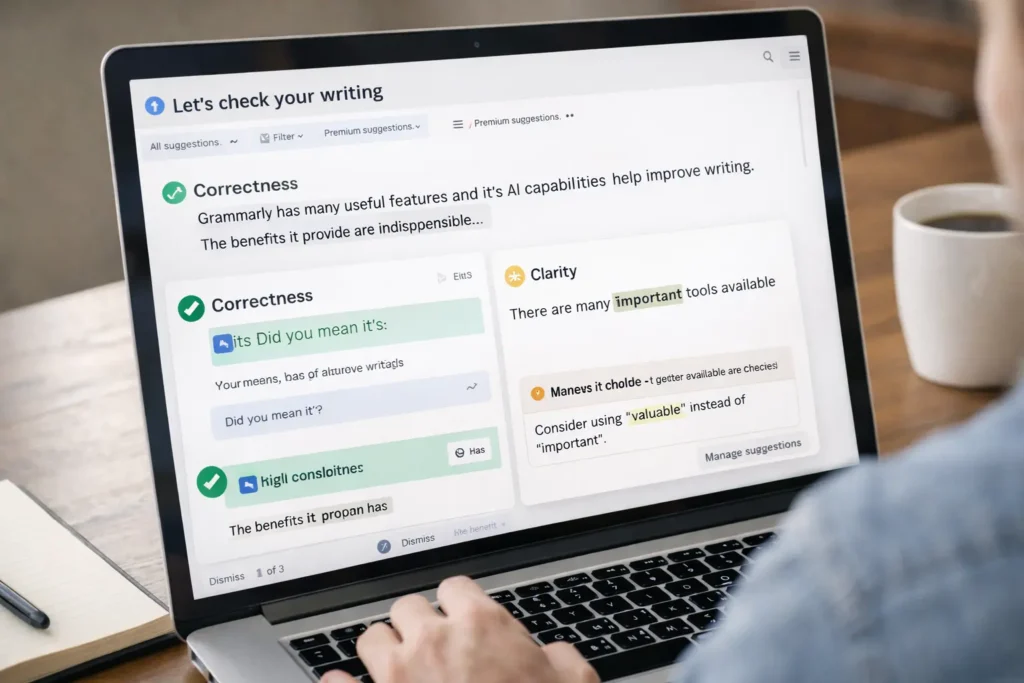
Grammarly is a writing assistant designed to improve:
- Grammar and spelling
- Sentence clarity
- Tone and readability
- Writing consistency
It works across:
- Browser extensions
- Microsoft Word
- Google Docs
- Desktop and mobile apps
Grammarly is focused on polishing original writing, not rewriting content.
What Is QuillBot?
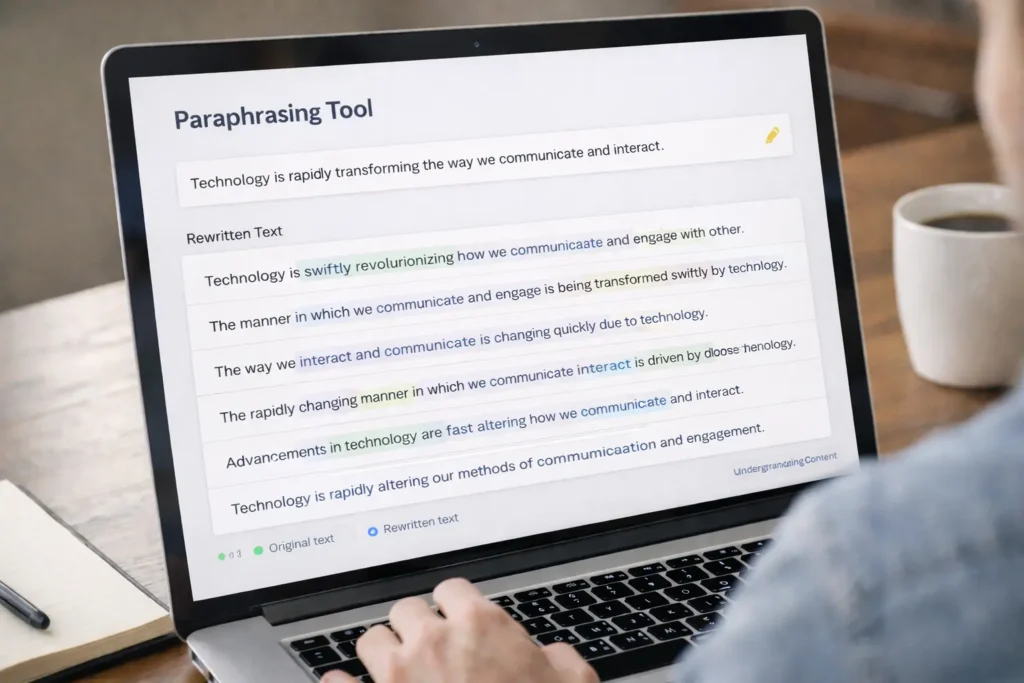
QuillBot is primarily a paraphrasing and rewriting tool.
Its main features include:
- Sentence rephrasing
- Multiple paraphrasing modes
- Summarizer
- Grammar checker (basic)
QuillBot is widely used by students and researchers who need to reword existing text quickly.
SEO AI Writer: Can AI Really Write SEO-Friendly Content?
Core Difference: Grammarly vs QuillBot (Simple Explanation)
Grammarly improves how you write.
QuillBot changes what you write.
This single difference explains almost every other feature comparison.
Grammarly vs QuillBot: Feature Comparison
Grammar & Accuracy
Grammarly
- Very strong grammar detection
- Catches advanced sentence issues
- Suggests clarity improvements
QuillBot
- Basic grammar checking
- Misses complex sentence issues
- Secondary feature, not its strength
Winner: Grammarly ✅
Paraphrasing & Rewriting
Grammarly
- No dedicated paraphrasing tool
- Focuses on refinement, not rewriting
QuillBot
- Core strength
- Multiple rewriting modes
- Good for rewording content
Winner: QuillBot ✅
Readability & Tone
Grammarly
- Excellent tone detection
- Adjusts formality and clarity
- Very useful for blogs and professional writing
QuillBot
- Limited tone control
- Focused on sentence transformation
Winner: Grammarly ✅
Ease of Use
Grammarly
- Clean interface
- Works in real-time while writing
- Minimal learning curve
QuillBot
- Simple but more manual
- Requires copy-paste for best results
Winner: Grammarly ✅
Best AI SEO Tools for New Websites (Free & Beginner Friendly)
Grammarly vs QuillBot for Bloggers
For bloggers, the priority is:
- Readability
- Trust
- SEO-friendly writing
- Human tone
Grammarly is better for bloggers because:
- It improves clarity without rewriting intent
- It avoids unnatural phrasing
- It helps content feel more human
QuillBot can be risky for bloggers if overused, as heavy paraphrasing may:
- Change meaning
- Reduce originality
- Trigger “low-value” signals if misused
Grammarly vs QuillBot for Students
Students often need:
- Grammar help
- Rewriting assistance
- Quick content improvement
QuillBot works well for students when used responsibly for:
- Paraphrasing notes
- Improving sentence variety
However, Grammarly is better for:
- Essays
- Assignments
- Formal writing
Best approach for students:
Use QuillBot for rewriting, then Grammarly for polishing.
SEO Perspective: Grammarly vs QuillBot
From an SEO standpoint:
- Grammarly helps maintain natural language, which Google prefers
- QuillBot may introduce unnatural phrasing if overused
Google does not penalize tools, but it does penalize:
- Low-quality content
- Meaningless rewriting
- Poor readability
👉 For SEO content, Grammarly is the safer long-term choice.
Pricing Comparison
| Tool | Free Plan | Paid Plan |
|---|---|---|
| Grammarly | Yes (limited) | Premium for advanced features |
| QuillBot | Yes (restricted) | Paid for full paraphrasing modes |
Both tools offer usable free versions, but serious users will need paid plans.
Pros and Cons Summary
Grammarly – Pros
- Excellent grammar accuracy
- Improves clarity and tone
- Ideal for blogs and professional writing
Grammarly – Cons
- No advanced paraphrasing
- Premium required for full features
QuillBot – Pros
- Strong paraphrasing tool
- Multiple rewrite styles
- Helpful for rewriting content
QuillBot – Cons
- Weaker grammar checking
- Risk of over-rewriting
- Less suitable for SEO content
Grammarly vs QuillBot: Which One Should You Choose?
Choose Grammarly if:
- You are a blogger or professional
- You care about clarity and trust
- You write original content
- You want SEO-safe writing
Choose QuillBot if:
- You are a student or researcher
- You need paraphrasing help
- You rewrite existing text (carefully)
Best Option for Many Users:
👉 Use both together
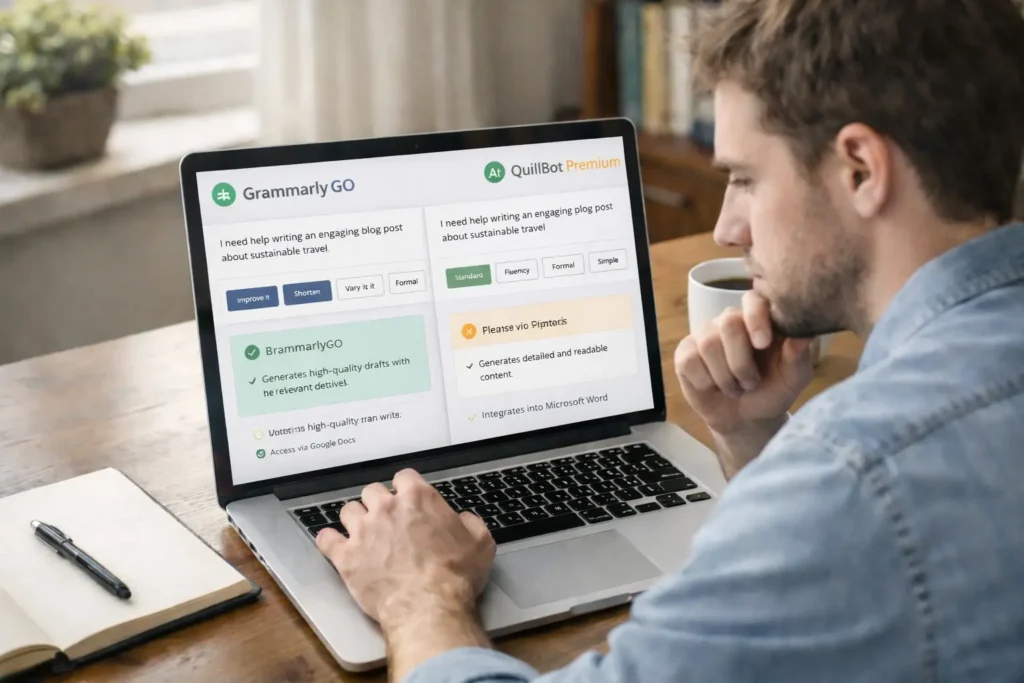
QuillBot for rewriting → Grammarly for polishing.
Final Verdict
The Grammarly vs QuillBot debate does not have one universal winner.
- Grammarly wins for quality, clarity, and SEO safety
- QuillBot wins for paraphrasing and rewriting speed
Your choice should depend on how you write, not just what features look attractive.
For long-term blogging and professional writing, Grammarly is a better foundation.
For rewriting and sentence variation, QuillBot can be a helpful assistant—when used carefully.
How to Create High-Quality Content Consistently (Beginner-Friendly Guide)
Frequently Asked Questions (FAQs)
Is Grammarly better than QuillBot?
For grammar, clarity, and blogging—yes.
Is QuillBot good for SEO content?
Only if used lightly and edited carefully.
Can I use both tools together?
Yes. This is actually the smartest approach.
Are these tools safe for Google?
Yes, when the content remains helpful and original.
Which tool is better for beginners?
Grammarly is easier and safer for beginners.