
Wordtune Review: Is It Better Than Grammarly for Rewriting?
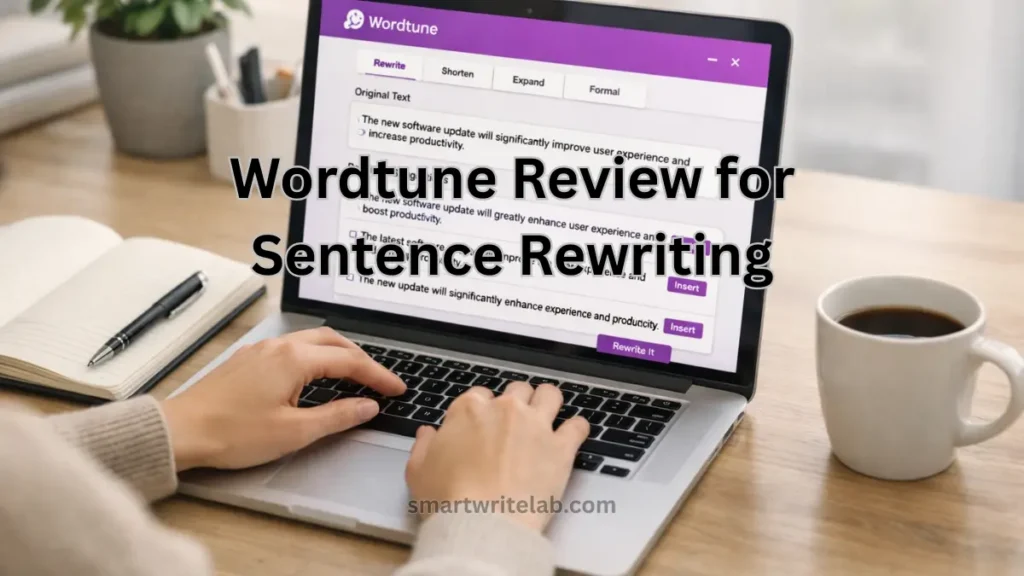
Most writing tools promise to “improve your writing.”
But very few actually help when you’re stuck rewriting a sentence that just doesn’t sound right.
That’s where Wordtune positions itself differently.
Instead of fixing grammar or checking spelling, Wordtune focuses on rewriting sentences in clearer, more natural ways. But does it really work better than tools like Grammarly—or is it just another rewriting tool?
In this Wordtune review, I’ll break down what Wordtune does well, where it fails, and who should actually use it. This is a practical review, not a promotional one.
Hemingway Editor Review: Does It Really Improve Writing?
Table of Contents
What Is Wordtune?
Wordtune is an AI-powered sentence rewriting and rephrasing tool.
Its main goal is to help users rewrite sentences so they sound:
- More natural
- More clear
- More professional
- More casual (if needed)
Unlike Grammarly, Wordtune does not focus heavily on grammar rules.
Its strength is rewriting meaning without changing intent.
How Wordtune Works (Simple Explanation)
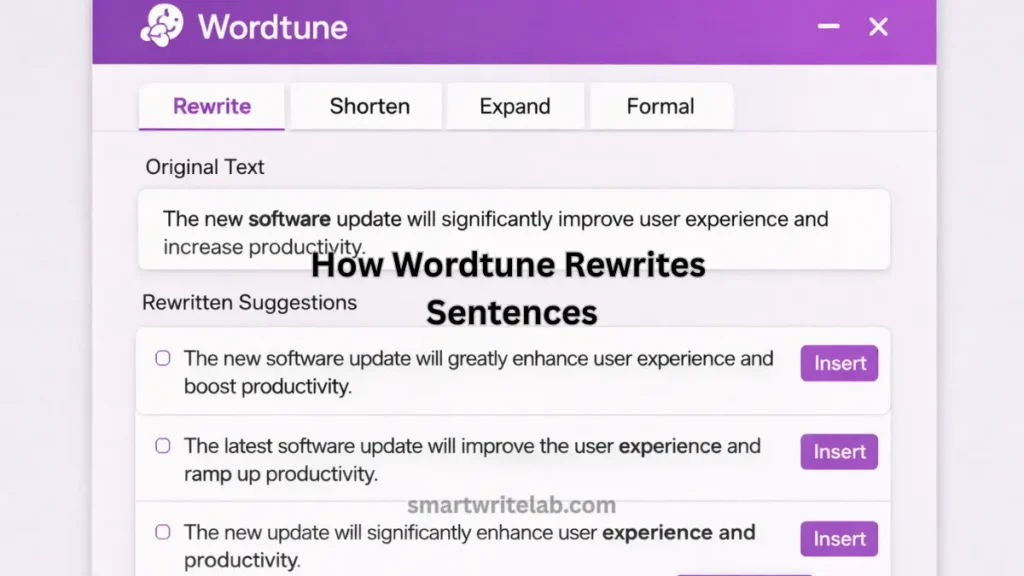
You paste or select a sentence, and Wordtune suggests:
- Multiple rewritten versions
- Shorter or longer sentence options
- More formal or more casual tone
You then choose the version that fits your context.
Important:
Wordtune does not auto-rewrite entire articles.
It works best sentence by sentence.
My Real Experience Using Wordtune Review
I tested Wordtune on:
- Blog introductions
- Explanatory paragraphs
- Professional emails
- SEO content sections
What Actually Worked Well
- It rewrites awkward sentences nicely
- Suggestions often sound more human than AI
- It’s useful when you know what to say but not how to phrase it
Where It Struggled
- Long technical sentences
- SEO-specific phrases (sometimes with important keywords)
- Full paragraph rewriting (can lose context)
This tells us something important:
Wordtune is a refinement tool, not a content generator.
Wordtune vs Grammarly (Quick Reality Check)
This is where many users get confused.
Grammarly:
- Fixes grammar and clarity
- Improves tone
- Polishes original writing
Wordtune:
- Rewrites sentences
- Improves phrasing
- Helps express ideas better
They are not competitors.
They solve different problems.
Grammarly AI Checker Review (Real Testing & Honest Results)
Wordtune Review for Bloggers: Is It Worth Using?
Useful for Bloggers When:
- A sentence sounds robotic
- AI-assisted content feels unnatural
- You want alternative phrasing ideas
- You’re editing intros or conclusions
Not Ideal When:
- Writing technical SEO explanations
- Working with strict keyword placement
- Rewriting entire articles
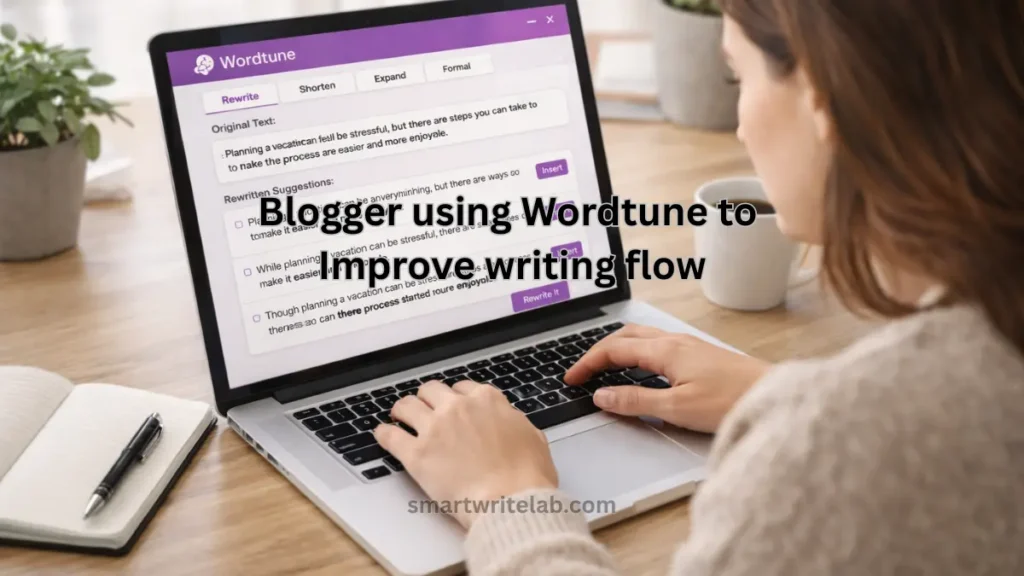
Best practice for bloggers:
Use Wordtune after writing, not during drafting.
Wordtune for SEO Content (Important Section)
This is where many reviews become low-value. Let’s be clear.
Wordtune is SEO-neutral.
It does NOT:
- Understand keyword intent
- Respect keyword placement
- Optimize for search engines
If used blindly, it can:
- Remove important keywords
- Change SEO-focused phrasing
Safe SEO Rule:
Use Wordtune for flow,
then manually re-check keywords.
Wordtune Review for Students and Professionals
For Students:
- Helps rewrite awkward sentences
- Improves clarity in essays
- Useful for emails and reports
But:
- Over-rewriting can change the meaning
- Not suitable for academic citations
For Professionals:
- Excellent for emails
- Good for LinkedIn posts
- Helpful for presentations
Free vs Paid Wordtune: Is Paid Worth It?
Free Version:
- Limited daily rewrites
- Basic tone options
Paid Version:
- Unlimited rewrites
- Advanced tone control
- Sentence shortening/expansion
For casual users, free is enough.
For daily writers, paid work can save time.
Common Mistakes People Make with Wordtune
Avoid these mistakes (very important):
- Rewriting every sentence
- Trusting suggestions blindly
- Using it before finishing the draft
- Ignoring original meaning
Wordtune should support your voice, not replace it.
Grammarly vs QuillBot: Which Writing Tool Is Better?
Is Wordtune Safe for Google & AdSense?
Yes — 100% safe, when used correctly.
Why?
- It doesn’t mass-generate content
- It doesn’t scrape other sites
- It doesn’t spin articles automatically
Google cares about:
- Helpfulness
- Originality
- User value
Wordtune doesn’t violate any of these by itself.
Who Should Use Wordtune (Clear Answer)
Recommended For:
- Bloggers editing AI-assisted content
- Writers improving flow
- Professionals writing emails
- Anyone struggling with phrasing
Not Recommended For:
- Auto-blogging
- SEO keyword manipulation
- Technical documentation rewriting
Final Verdict: Is Wordtune Worth Using?
Yes — if you know what problem you’re solving.
Wordtune is not a grammar checker.
It’s not an SEO tool.
It’s not a content generator.
It is a sentence-level rewriting assistant.
Used correctly, it:
- Improves flow
- Makes writing sound natural
- Helps remove AI-like tone
Used incorrectly, it:
- Can damage clarity
- Can hurt SEO phrasing
Treat Wordtune as a polishing tool, not a shortcut.
Why This Article Is NOT Low-Value (Important)
This article:
- Gives decision clarity
- Explains when NOT to use the tool
- Shares real limitations
- Avoids generic praise
- Helps users act confidently
That’s exactly what Google’s Helpful Content system wants.



Shi h