Best AI Software in 2026 (Simple Guide for Students & Businesses)
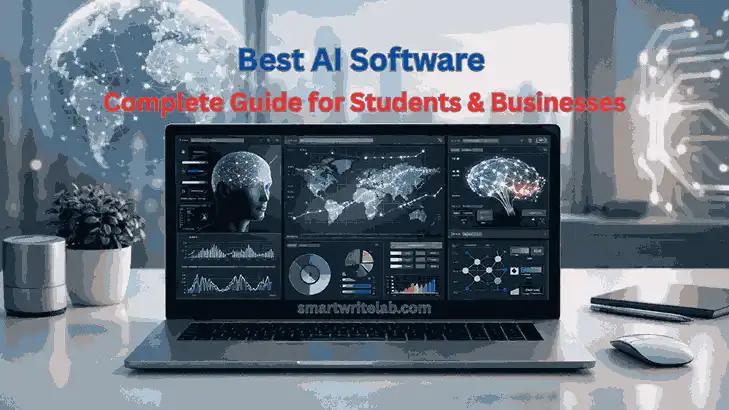
AI is no longer optional. The best AI Software is helping students study faster, businesses automate work, bloggers create content, and professionals get more done in less time.
But here’s the issue.
Most “Best AI Software” lists online just throw out 20 tool names without explaining:
- Who should actually use them
- When they’re useful
- Their real limitations
- Whether they’re worth paying for
This guide is different. We’ll talk about the Best AI Software based on real-life use, practical value, and long-term benefits — not just hype.
Table of Contents
Why Choosing the Right AI Software Matters
One thing is clear: the Best AI Software isn’t the one with the most features. It’s the one that fits smoothly into your daily workflow.
People who use AI as a productivity booster — not a shortcut — usually get better results in the long run.
In 2026, success with AI depends on:
- Having a clear goal
- Using it responsibly
- Planning properly
- Keeping human oversight
AI supports you. It doesn’t replace you.
How to Choose the Best AI Software
Before picking any tool, ask yourself a few simple questions.
1. What problem am I trying to solve?
- Writing content?
- Organizing tasks?
- Automating business processes?
- Studying more efficiently?
If your goal isn’t clear, you’ll just end up collecting tools you barely use.
2. Is it beginner-friendly?
The Best AI Software for beginners should:
- Have a simple interface
- Offer guides or tutorials
- Does not require technical setup
3. Can it grow with you?
If your work expands, will the tool still support you?
4. Is your data safe?
For students and businesses, privacy matters. Always check policies before uploading sensitive information.
Categories of Best AI Software in 2026
We can divide the Best AI Software into four main categories:
- AI Writing Software
- AI Productivity Tools
- AI Tools for Students
- AI Business Automation Tools
Let’s go through them one by one.
AI Writing Software
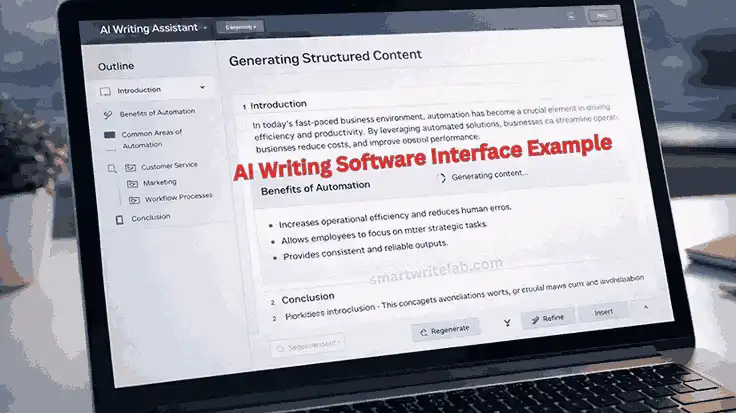
This is one of the most popular categories. These tools help with:
- Content generation
- Grammar correction
- Expanding ideas
- SEO improvements
- Drafting emails
Popular platforms include tools from OpenAI and editing software like Grammarly.
Keep in mind, AI can draft content, but human editing is still important.
Best for: Bloggers, students, freelancers, and content marketers
Also Read How to Build a Simple Productivity System for Beginners (USA-Friendly Guide)
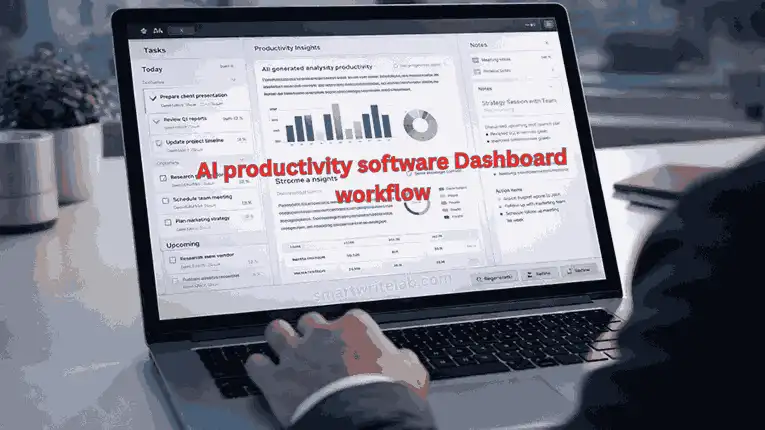
AI Productivity Software
These tools focus on saving time and organizing work. They help with:
- Task management
- Workflow automation
- Smart scheduling
- Note summarization
For example, Notion Labs offers AI features that improve organization and team collaboration.
Benefits:
- Saves time
- Reduces manual effort
- Improves focus
Best for: Remote teams, solopreneurs, project managers
AI Tools for Students
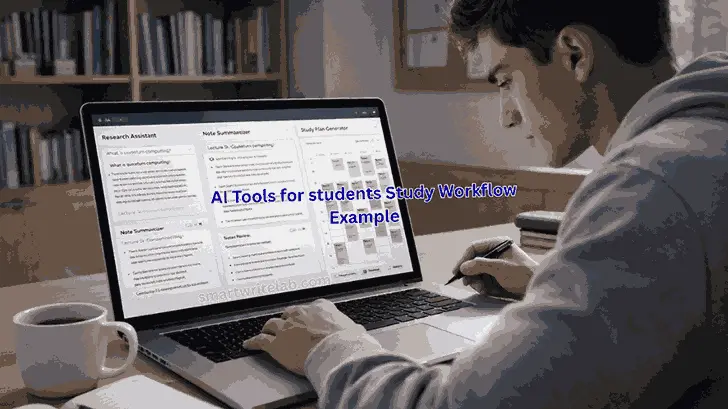
Students are increasingly using the Best AI Software for:
- Research support
- Summarizing long chapters
- Planning study schedules
- Understanding difficult concepts
But it’s important to use AI responsibly. It should support learning, not replace it.
Here is the Best AI Study Planner for Students.
The most helpful tools are those that:
- Explain topics clearly
- Provide structure
- Improve writing clarity
AI Business Automation Tools
Businesses use AI software for:
- Customer service chatbots
- Marketing automation
- Data analysis
- Email campaigns
AI helps companies:
- Reduce operational costs
- Increase efficiency
- Scale faster
Still, automation needs monitoring. Unchecked systems can make mistakes.
Top Best AI Software in 2026
Here are some widely used AI platforms.
1. OpenAI Tools
OpenAI tools are useful for writing, coding, brainstorming, and problem-solving.
Pros:
- Strong contextual understanding
- Multiple use cases
- Constant updates
Cons:
- Needs human editing
- Advanced features require payment
Best for: Students, bloggers, developers
2. Grammarly
Grammarly is widely used for editing and improving writing.
Pros:
- Very easy to use
- Great for beginners
Cons:
- Limited creative generation
- Premium required for advanced features
Best for: Students and professionals
Also Read Grammarly AI Checker Review (Real Testing & Honest Results)
3. Notion AI
Notion Labs offers AI-powered organization and workflow tools.
Pros:
- Excellent for structured workflows
- Strong team collaboration
Cons:
- Slight learning curve
Best for: Teams and startups
4. Canva AI
Canva provides AI-powered design tools.
Pros:
- Simple interface
- Fast visual creation
Cons:
- Limited deep customization
Best for: Content creators and marketers
5. Adobe AI Tools
Adobe offers professional AI tools for design and editing.
Pros:
- High-quality output
- Industry-standard tools
Cons:
- Higher pricing
- Requires experience
Best for: Designers and professionals
Common Mistakes People Make
- Choosing tools based on hype
- Ignoring privacy policies
- Relying completely on AI
- Publishing raw AI output
- Using too many tools at once
The Best AI Software improves your workflow — it doesn’t replace your thinking.
The Future of Best AI Software
In the coming years, AI software will move toward:
- Handling text, images, and video together
- Personalized AI assistants
- Real-time automation
- Context-aware productivity tools
AI is getting smarter, but human supervision will always be important.
Frequently Asked Questions
What is the best AI software in 2026?
The best AI software depends on your needs. OpenAI-based tools are popular for writing and research. For editing, Grammarly is strong. For productivity, Notion AI works well.
Is AI software safe for business use?
Most reputable AI software platforms adhere to security standards, but businesses should review their privacy policies before uploading sensitive data.
Can AI software replace human jobs?
AI software enhances productivity but does not replace human creativity, decision-making, or strategic thinking.
Is free AI software enough for beginners?
Yes. Many AI platforms offer free plans that are sufficient for students and small creators.
Which AI software is best for students?
AI tools that explain concepts and improve writing clarity are most helpful for students.